
How many different ways can I use file attachments on a task? When should I use each one?
Task Section | Attachment Method | Limitations | Use Case | Example | Media |
|---|---|---|---|---|---|
Task Type Attachments | Task Type Template - Attachments | Attachments will not show up in emails | This is utilized you want to attach a default attachment that is based on the type of work involved | Task Type is to Maintain a specific type of compressor You may have a maintenance guide that you want available as a default attachment for this | Task Type Setup of Attachments (click image to enlarge) Task Details of Attachments (click image to enlarge) 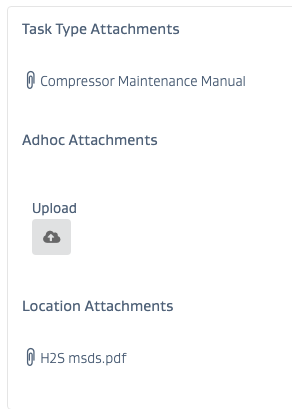 |
Asset/Location Attachments | Asset Management Setup | Attachments will not show up in emails | This is utilized you want to attach a default attachment that is based on the location of the work | A certain site is known to have H2S. You want to provide a digital Material Safety Data Sheet that shows up every time you assign a task to this location. | Asset Mgmt Setup of Attachments (click image to enlarge)  Task Details of Attachments (click image to enlarge) 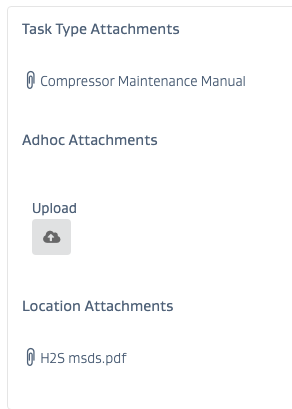 |
Ad Hoc Attachments | Ad hoc when you are working with the task | Ad hoc attachments will show on emails - but may not show up past 2 attachments | You need to take a picture while executing the task | Take a picture of work completed, issues found, etc. | Task Details of Attachments (click image to enlarge) 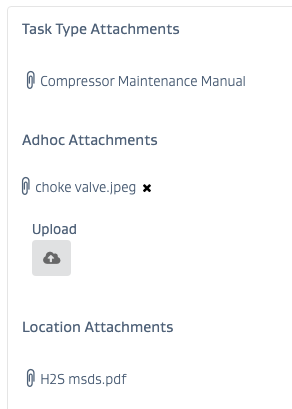 |
Comments Attachments | Ad hoc when you are working or communicating on a task | Comment attachments will not show up in emails | You need to take a picture while executing or communicating about the task | Take a picture of work completed, issues found, etc. | Task Comments of Attachments (click image to enlarge) 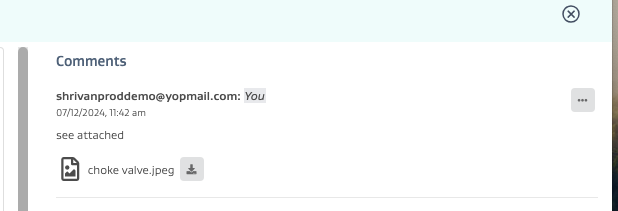 |
Form - Single Attachments | As part of the form element for single file uploads that is setup on a form | Form attachments will not show up in emails | You need to take a picture as part of a form | On an AVO inspection form - you answered “Yes” to the question “Is it flaring” and you now have to attach an image as part of the inspection form | Form element Details (click image to enlarge) 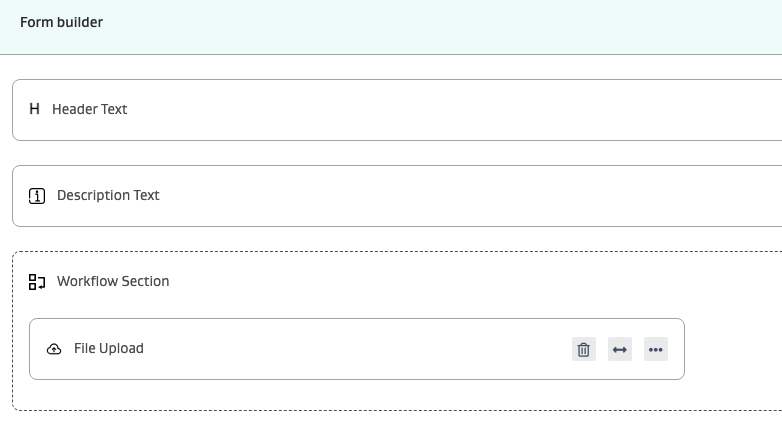 |
Form - Multiple Attachments | As part of the form element for multi file uploads that is setup on a form | Form attachments will not show up in emails | You need to take multiple pictures as part of a form | On a troubleshooting inspection, you have completed filling out the form and you need to attach pictures of the issue(s) from various angles | Form element Details (click image to enlarge) 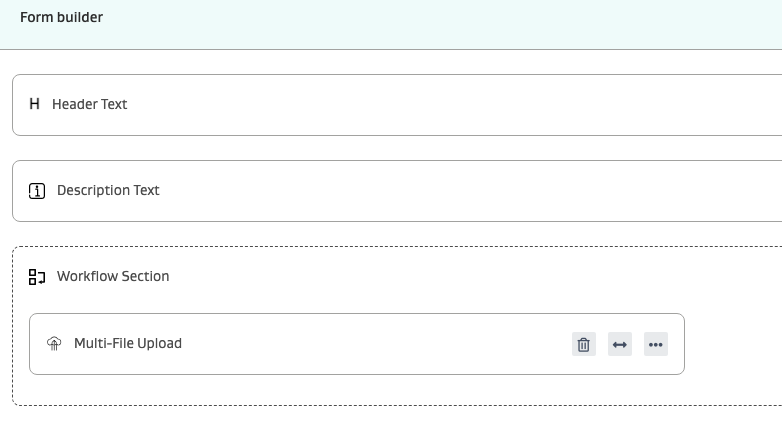 |
