
How to set "Mobile Admin User" flag is ON when FDG one app is taking more time to launch the app with more than 10 routes and what it does.
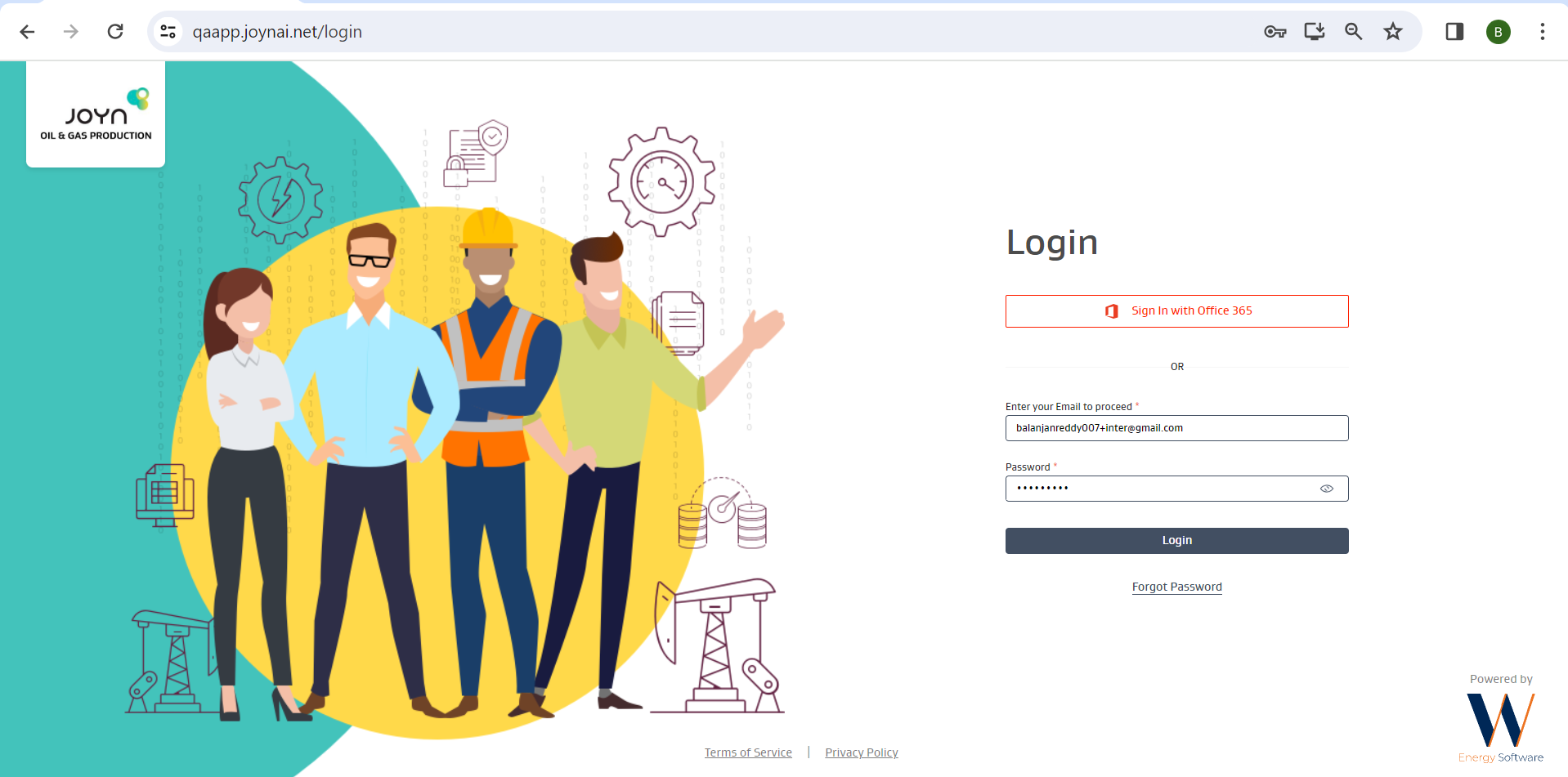
Login to the JOYN OG admin with valid credentials: https://qaapp.joynai.net/login
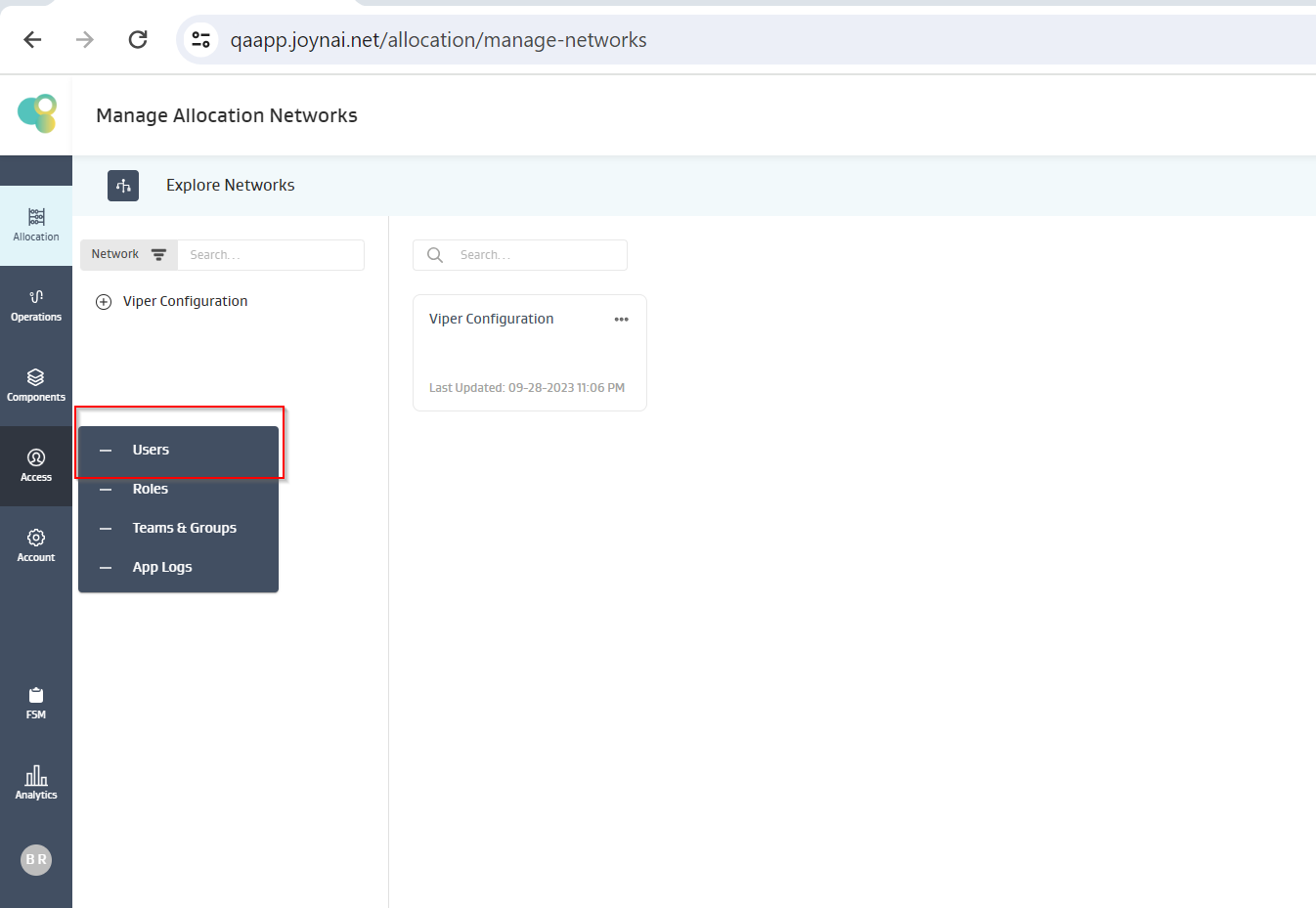
Click on Users option from Access model.
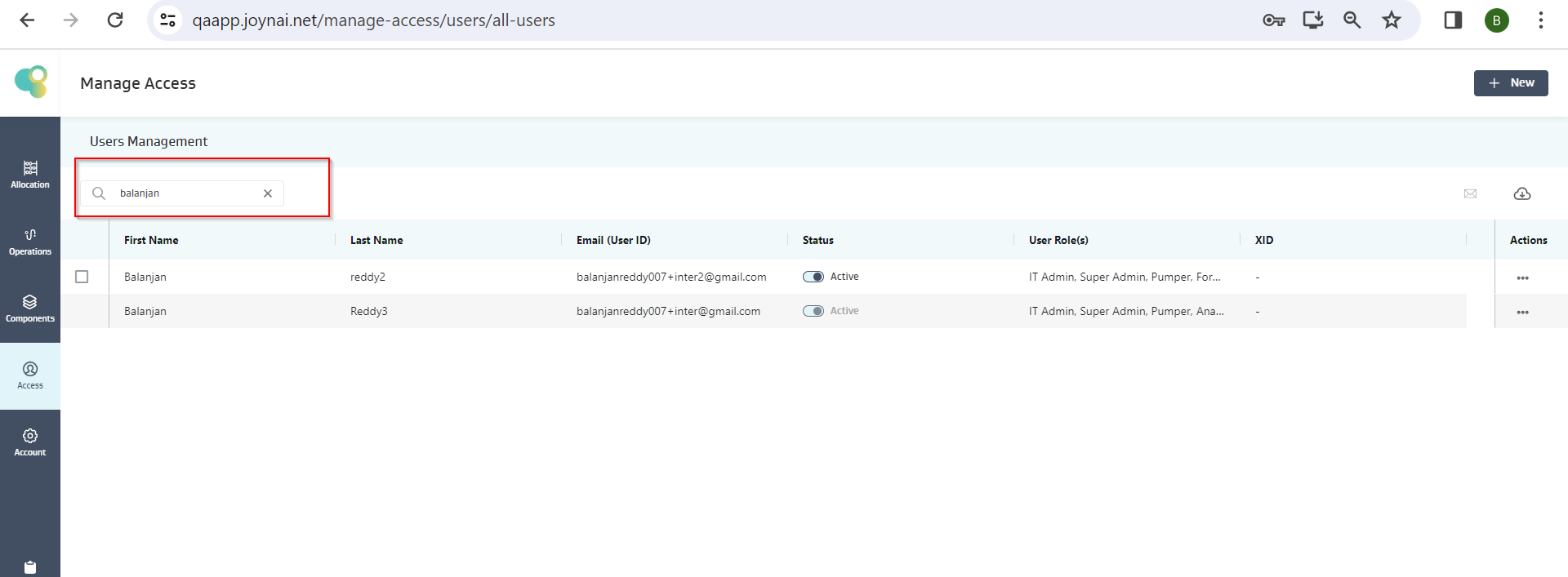
Search for user who is having more than 10 routes.
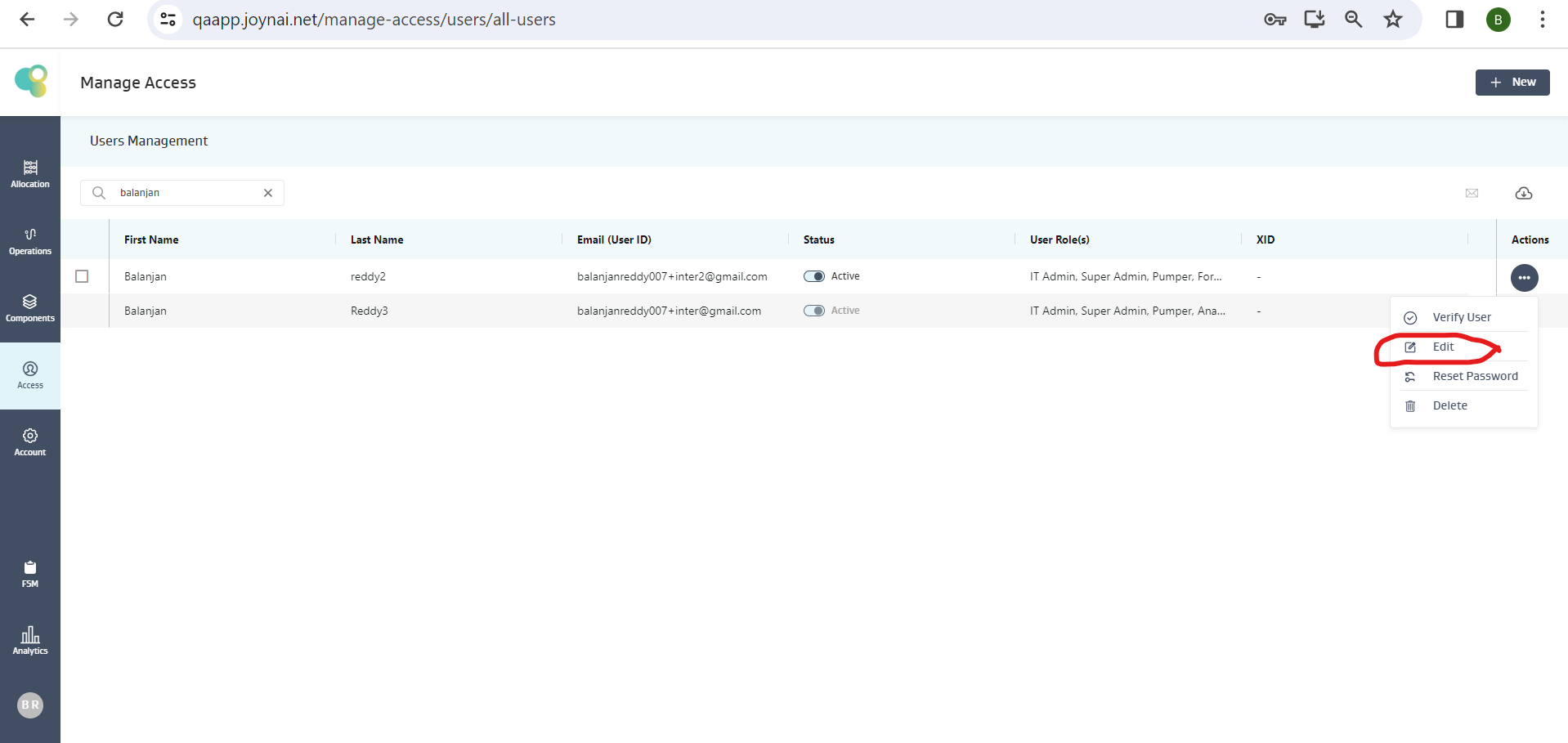
Click on Edit option from Actions.
Make “Mobile Admin User” toggle button to Yes and click on Save Changes.
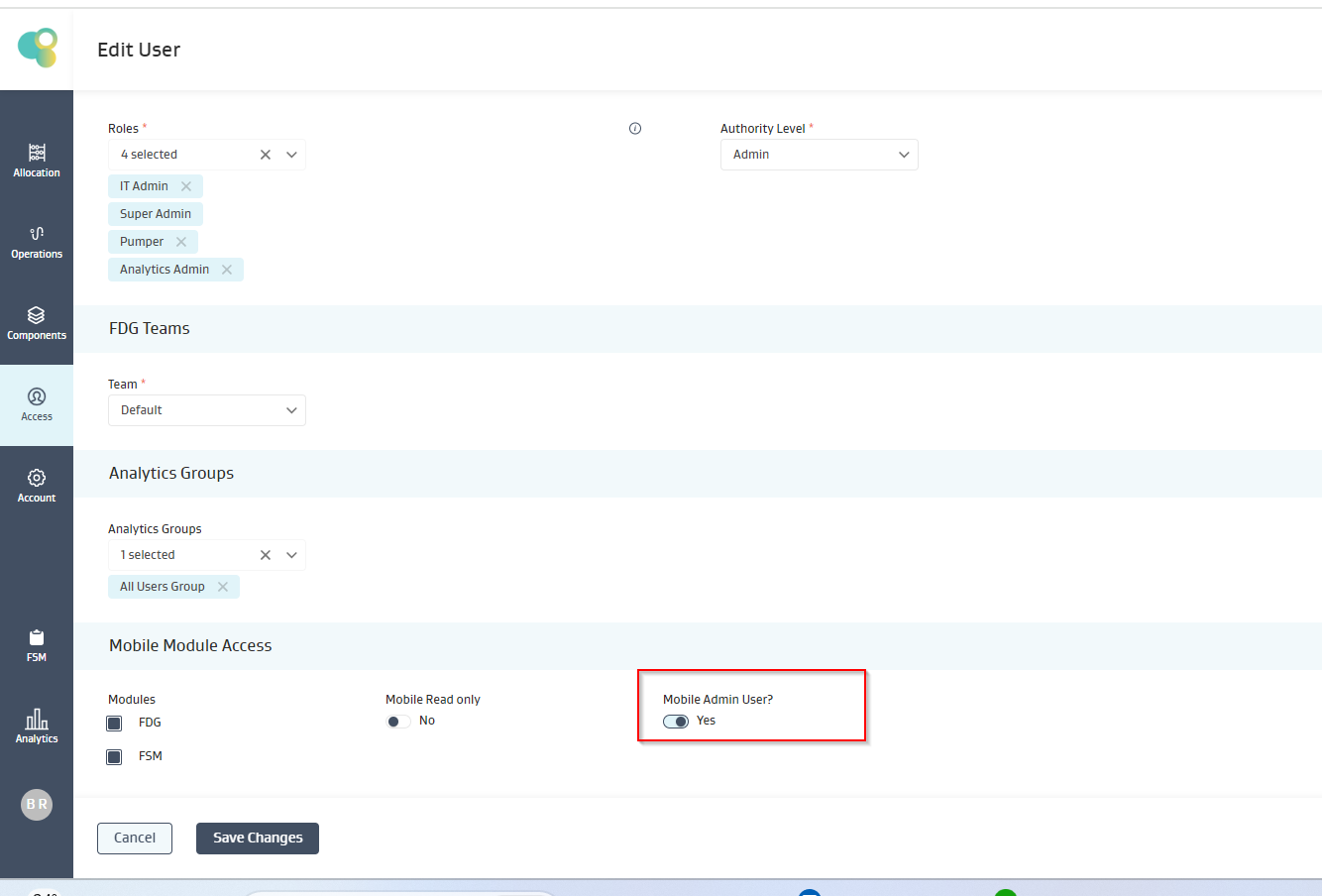
What “Mobile Admin User” flag does:
If "Mobile Admin User" flag is ON and user have more than 10 routes, on opening the application route metadata restore is skipped and user is directly navigated to route screen. User will have to manually do slide sync to get route metadata restore.