Skip table of contents

FSM Release Notes for FSM -9th Jan 2025

S.No

Description

Admin/App

Demo attachment

Required new app

1

Ability to send task notification to the users with below Key features

  1. Dynamic Notification Count on Icons:

    • App Notification Icon: Displays the total number of tasks with new notifications.

    • Stop-Level Notification Tab: Shows the number of tasks with new notifications specific to that stop.

  2. Mark Notifications as Read:

    • Swipe Action: Swipe individual notifications to mark them as read.

    • Mark All Read Button: A single tap clears all notifications at once.

    • “+2” Button: Displays all unread notifications and clears them after viewing.

    • Click Action: Clicking a notification opens the associated task card (as per design) and clears the notification.

  3. Task Card Integration:

    • Notifications link directly to the corresponding task card, providing quick access to relevant details.

  4. Unread Notifications Indicator:

    • The app icon dynamically reflects the count of unread notifications, consistent with the notification tab's unread status.

Note:

In 2 scenerios the notification count will be same as when we last opend the app

  • When Application is killed and opened

  • When user does clear data

One App [JoynOG FSM Only]

https://youtu.be/RCZvHyXe4Og

Yes

2

Following W energy's acquisition of Seven Lakes Technologies in May, 2022, we have been busy streamlining workflows and integrating the solutions towards a true single platform under the W Energy umbrella. As a next step – we are rebranding JOYN O&G platform to W O&G Production Platform. This change reflects JOYN’s integration into the W energy family while maintaining our commitment to excellence in oil and gas field operations software.

What This Means for You:

  • Your existing platform functionality remains unchanged

  • All your historical data and configurations are preserved

  • Your current login credentials will continue to work

  • You'll receive the same level of support and service you've come to expect

  • Future updates will be released under the new W O&G Production Platform brand

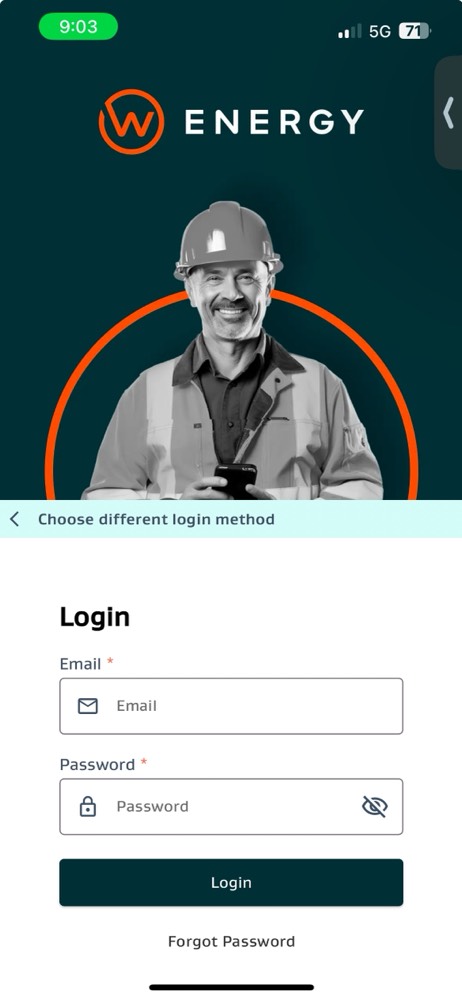
  • The design changes related to the rebrand are shown below (new app icon, new login screens, logo updates, etc)

Rebrand Design Summary:

New app Logo (normal app upgrade will work – but new icon will be the one shown below)
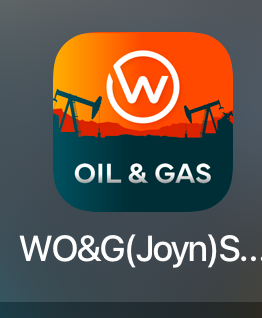
appicon.png

New mobile app login screen

image005.jpg

New Web Login screen Imagery

image001.png


Left Navigation changes (expanded and collapsed – before and after design updates)
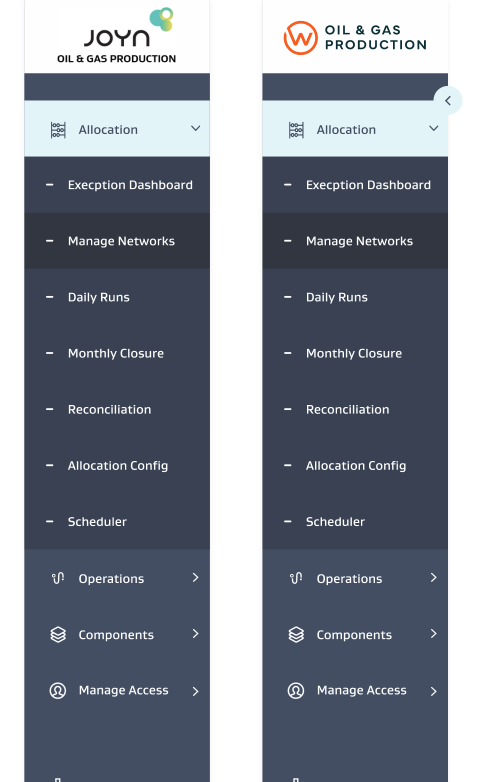
image002.png

New Web app logo changes

Admin

NA

No

3

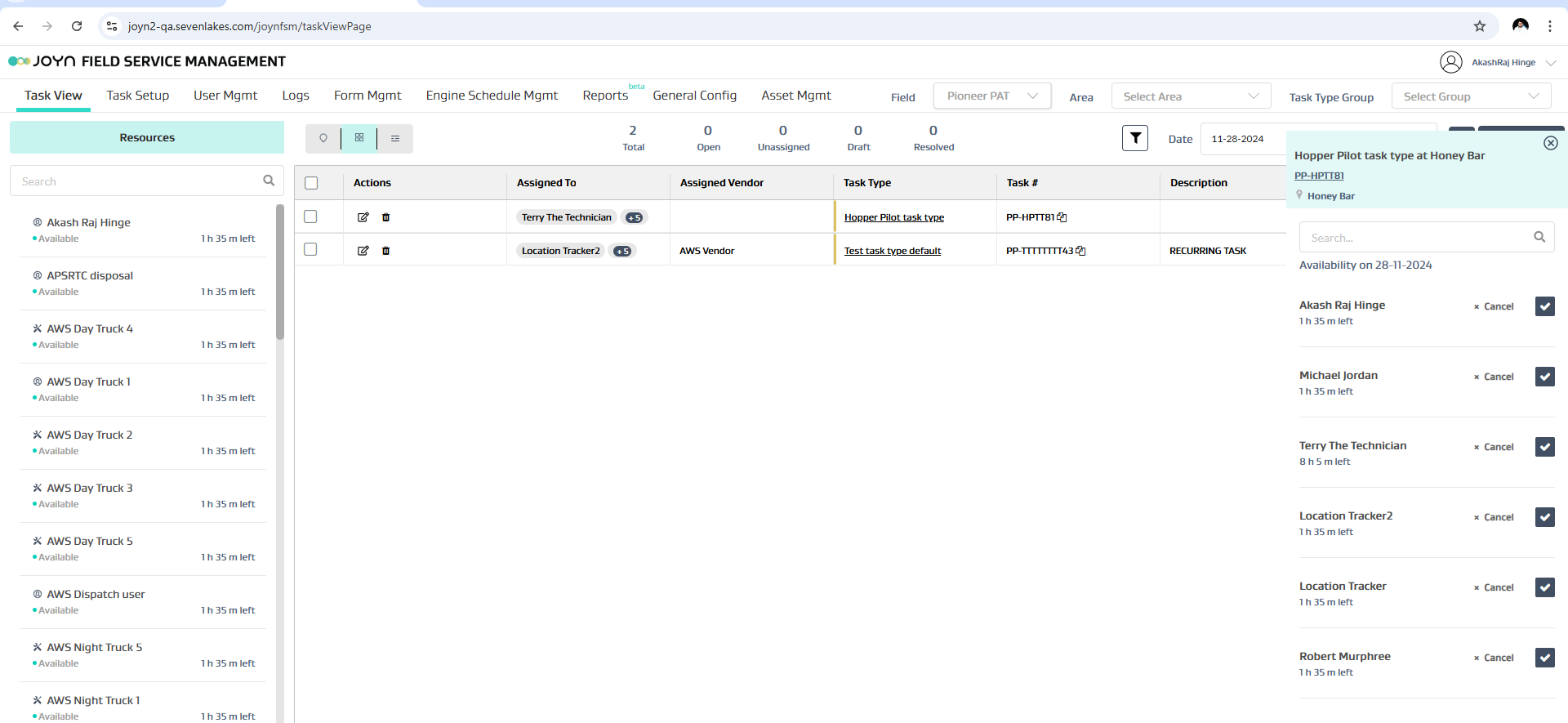
Enhance UI for "Assigned To" Column in task view Grid

Admin only

image-20241128-155508.png

No

4

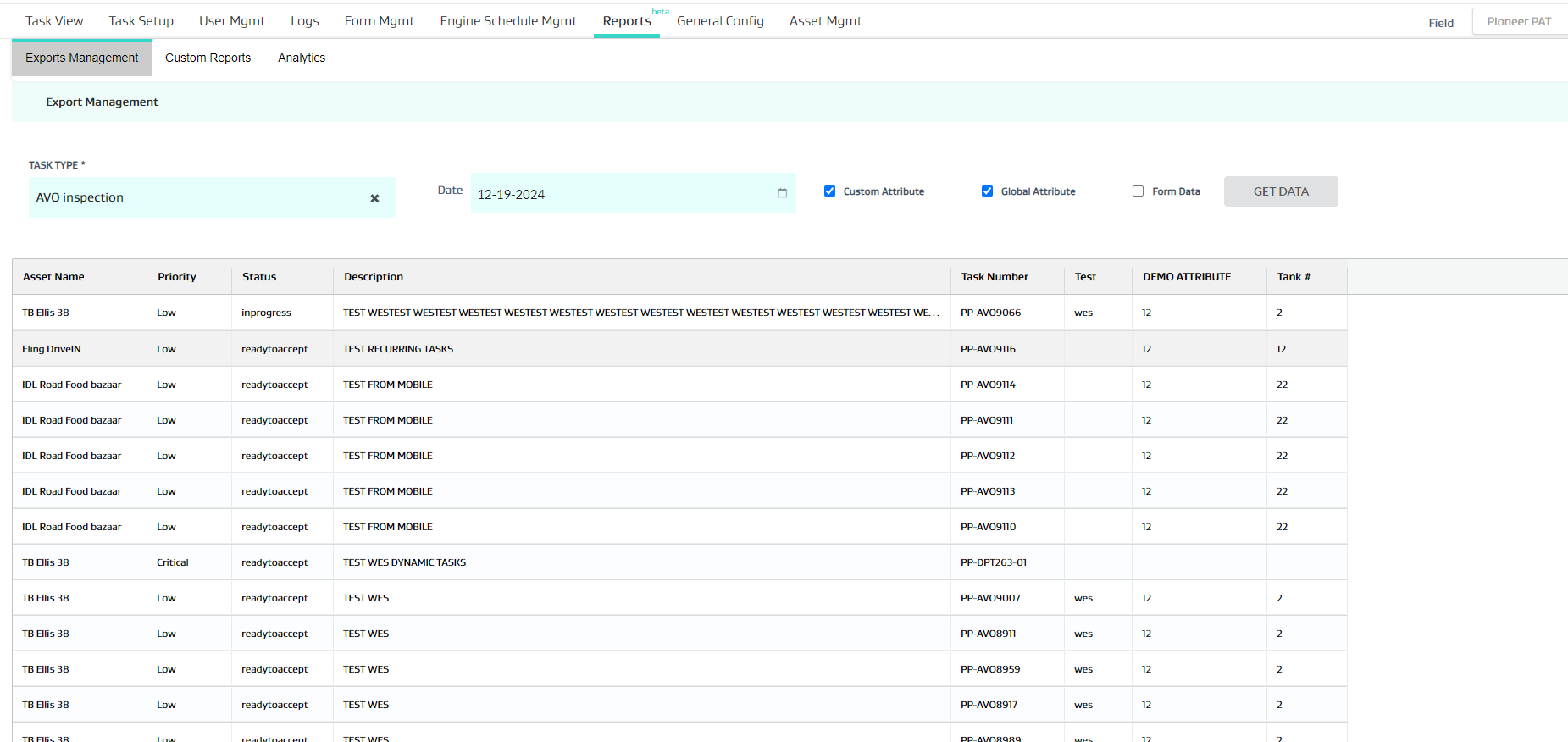
Added “Task Description “ in Export management

Admin Only

image-20241219-144440.png

No

Bug Fixes

1

advanced setting in the form is not getting saved

Admin

No

2

Priority field not being populated as expected

Admin

No

3

Form pdf showing incomplete number for child tasks

App

Yes

4

Performance improvement

App

Yes

5

Task visibility issue

App

Yes

JavaScript errors detected

Please note, these errors can depend on your browser setup.

If this problem persists, please contact our support.