
Upstream Revenue - Adding Well Completion Selections
Assets are tied to the Well Completions Master through the Well Completion Selections. Before a well can be tied to a meter or group in the Asset Config screen, the well must be tied to the asset. Division Orders Assets will also not be available to select when creating a Division Order until the Well Completion Selections are added to at least one asset. The steps below outline how to add the Asset to Well association.
📘 Adding Well Completion Selections Instructions
Navigate to Physical Setup>Well Completion Selections.
Choose the correct effective date range (the well will only appear to select if the effective date on the well completion master is on or after the date range selected in this screen).

Click the Add Well Completions button.
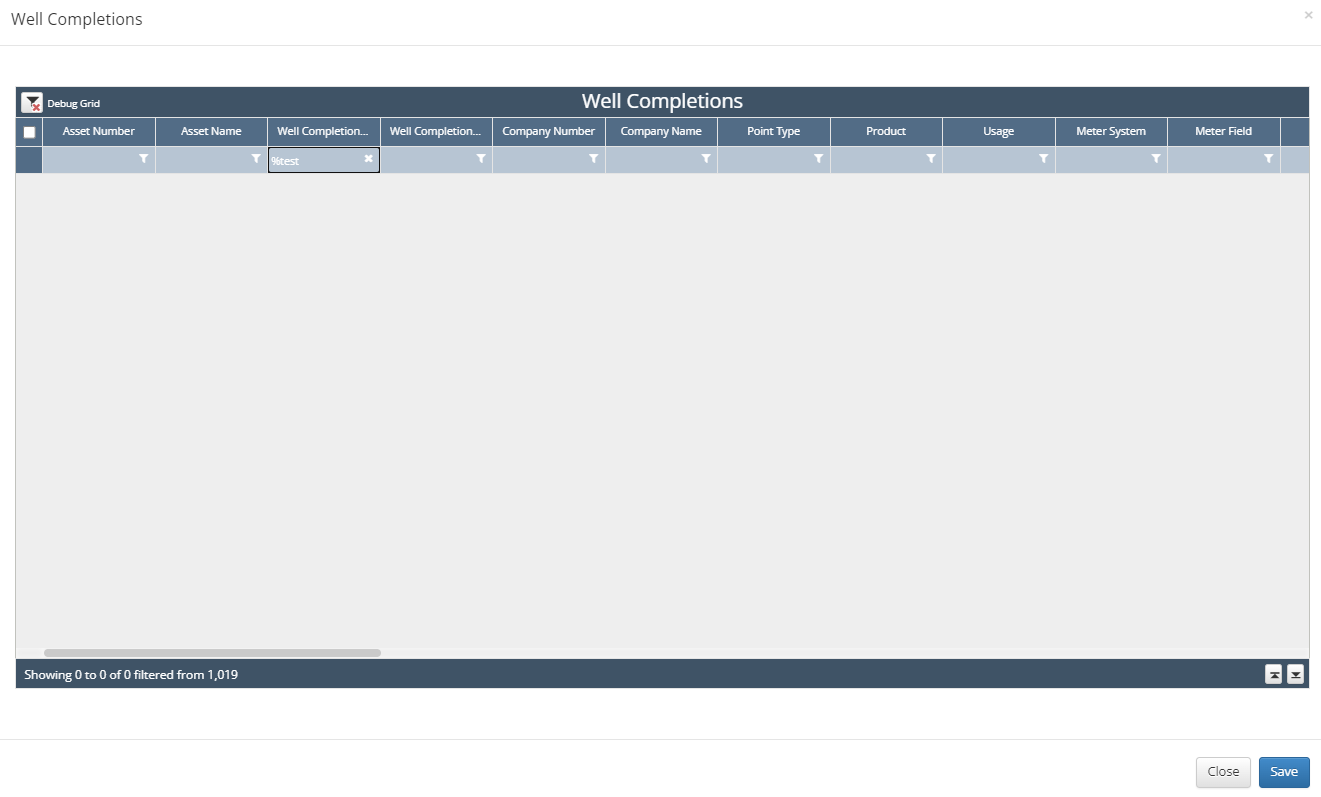
A pick list from the Well Completions Master will appear.
Search for the Well Number(s) or Name(s).
Mass Select the well(s) or select them one-by-one with the checkbox to the left of the line.
Click Save at the bottom of the pick list.
The Well is now tied to the Asset for Division Order and Asset Config setups.