
Upstream Revenue - Remove Unprocessed Check Input Lines to Never Disburse
If lines were input into the Check Input modules that went into an Unprocessed status during the CI Translate process, the records can be cleared or removed from ever clearing in the Check Input>Check Input Unprocessed Results. This process will show you how to remove the lines of the check input so they are never processed through the Company Process Control.

This process is not reversible. WEnergy always encourages clients to run processes and data deletion in a non-production environment prior to completing in production. No general ledger entry will be created through the revenue system once the steps below are completed.
📘 Instructions
Remove Lines from Check Input to Never Process through Company Process Control.
Navigate to Check Input>Check Input Unprocessed Results
Scroll down to the Check Input Details grid
Select the records you never want to process (can filter by any header data in the grid)

Confirm the total amount on the far right of the grid is correct
Mass Select the records filtered in the grid
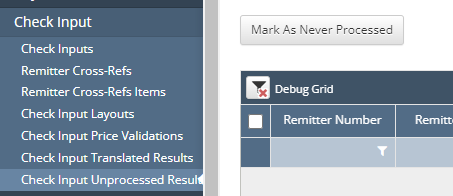
Click Mark as Never Processed
The lines will remain in the original Check Input, but will have a note the lines were Never Processed.