
Upstream Revenue - Update Deduct Codes on Check Details
The following steps will outline how to change what description appears for deducts on check details for the owner.
📘 Instructions
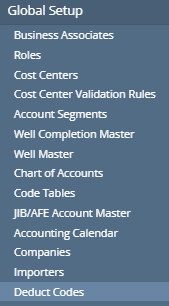
Navigate to Global Setup>Deduct Codes.
To add a new Deduct Code mapping:
Click New.
Choose the Company the Deduct Code is setup in on the Company Process Control.
Select the Fee Category or Tax Type (pulling from code table).
Do not set up the same Fee Category or Tax Type twice for the same Company.
Add the code to be displayed on the check under Deduct Code.
The Sequence will need to match setups under the Asset Process Controls (these can be blank if no sequences are used).
To update an existing setup:
Click the cell of detail that needs to be edited.
Click Save.
These code will be used on check details going forward.