Can I search all work orders?
There are two ways to search all work orders.
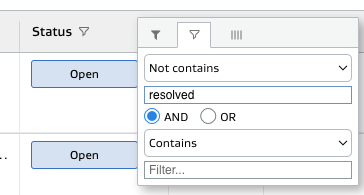
If all your open tasks carry forward every night, view all unresolved tasks for the current date on the general task view grid.
Filter the Status column to see Open or Closed tasks.
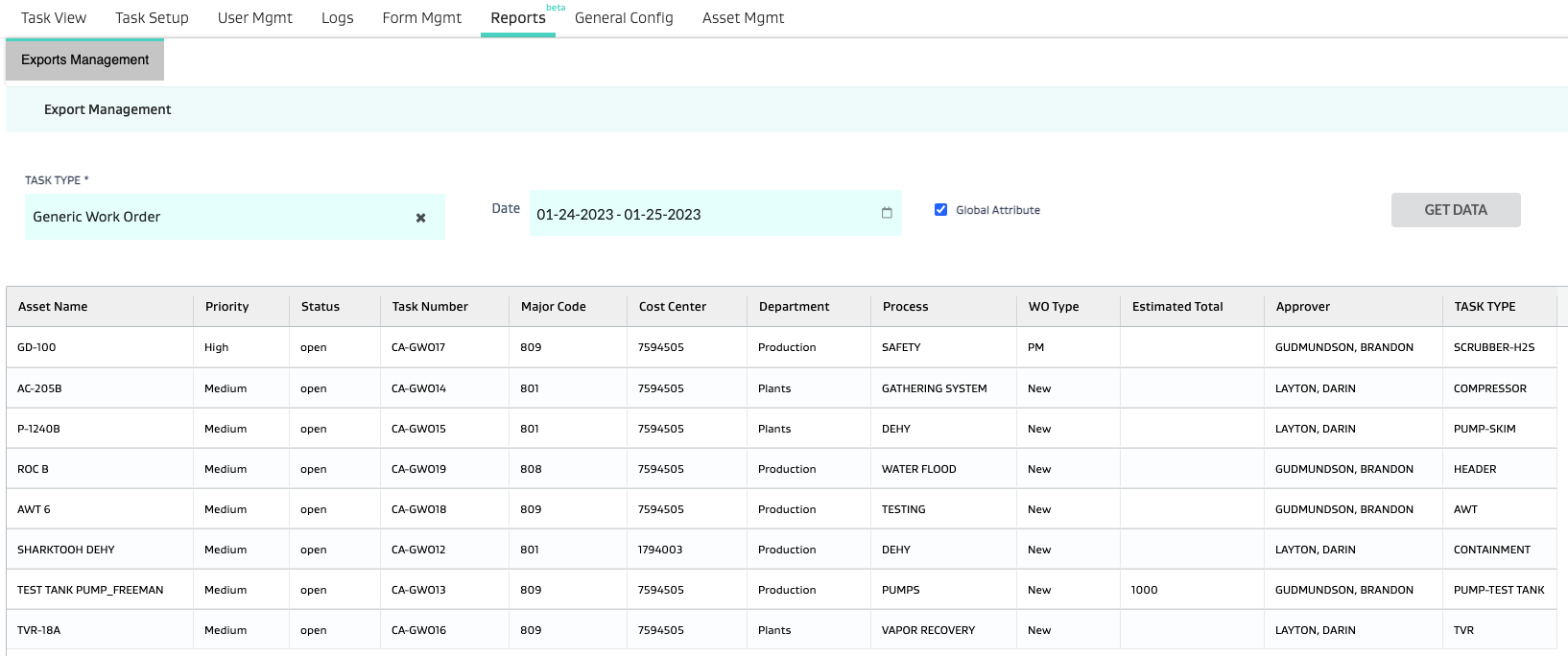
To search all work orders from Export Management, go to Reports > Export Management, select a task type, date range, and the appropriate attribute selection boxes (depending on the Task type selected), and Click Get Data.