Can assignees accept tasks via email?
You can use the Task Type Template to set up email notifications for task acceptance.
Go to Task Setup > Task Type.
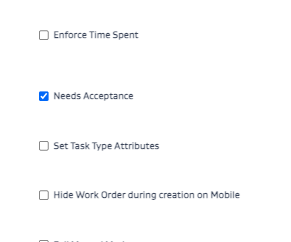
In the Task Type Template, check Needs Acceptance. This enables the task type to go through an accept/reject workflow.
In the Notifications section, set up an email notification so the assignee gets an email notification for Acceptance actions.