
How can I watch tasks?
Sometimes tasks are not assigned to you but you may still have a reason to monitor them. You can do this by becoming a watcher on the task.
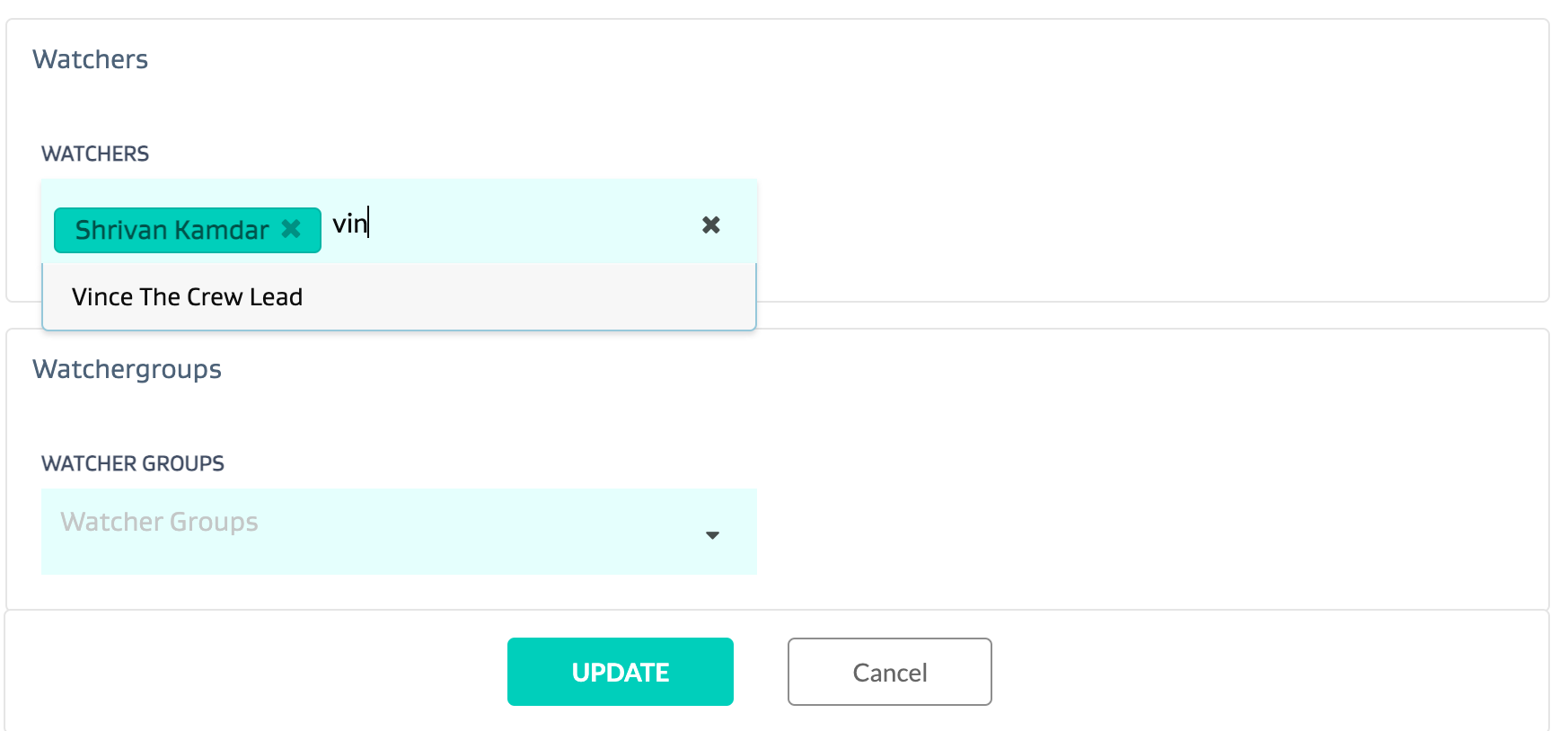
You can watch a task by adding your username(s) to the Watcher section of the task details.
If you have watcher groups set up, you can also add these Distribution lists to the Watcher groups section
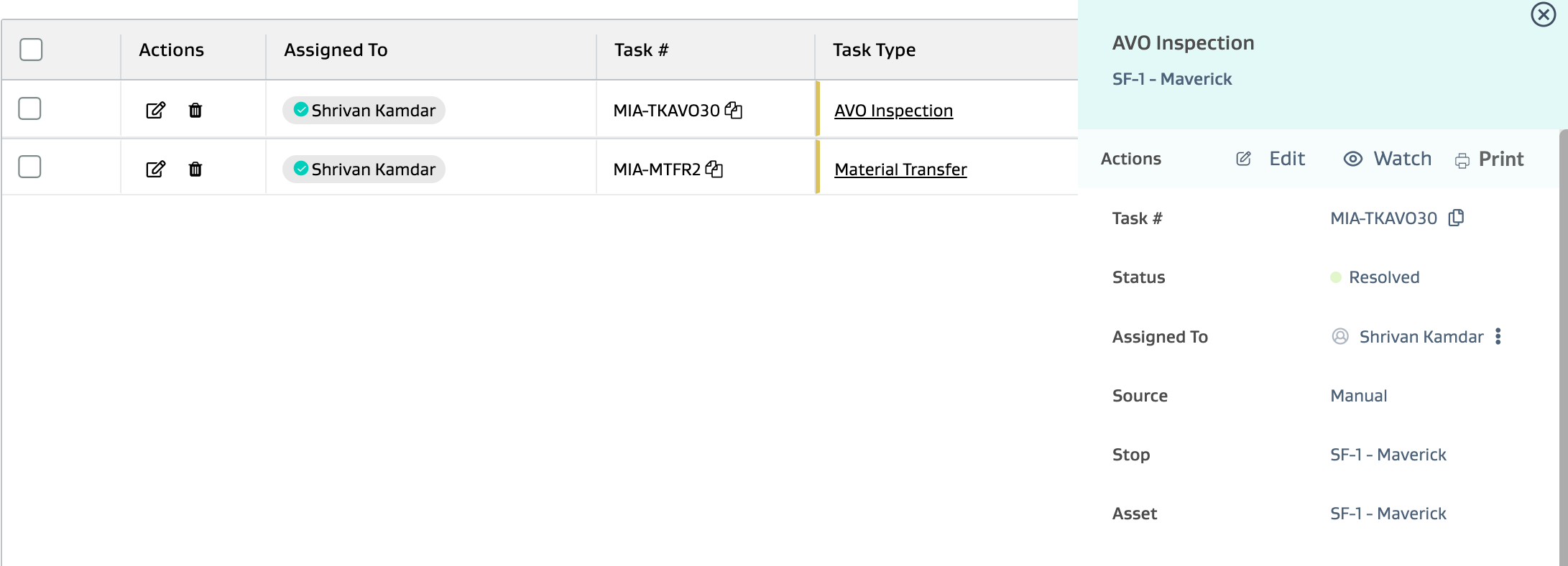
You can also watch a task by clicking “watch” on the task card
Finally, the easiest way for a field mobile user to become a watcher is via the mobile application. For more info, check out the video below.
https://youtu.be/KjspP5Jr-TwRelated Articles