
How do I install the Windows app for Joyn.ai?
All invite emails will have a link to the Windows App.
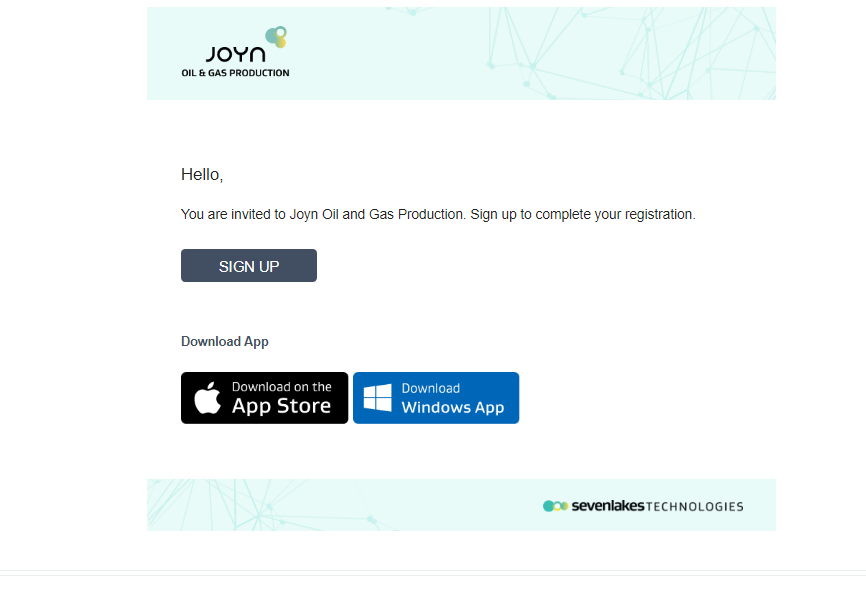
Click the Download Windows App link to open the JOYN download page (Joyn Download).
This page displays the latest version of the Windows app the requirements for the Windows system on which the app can be installed.
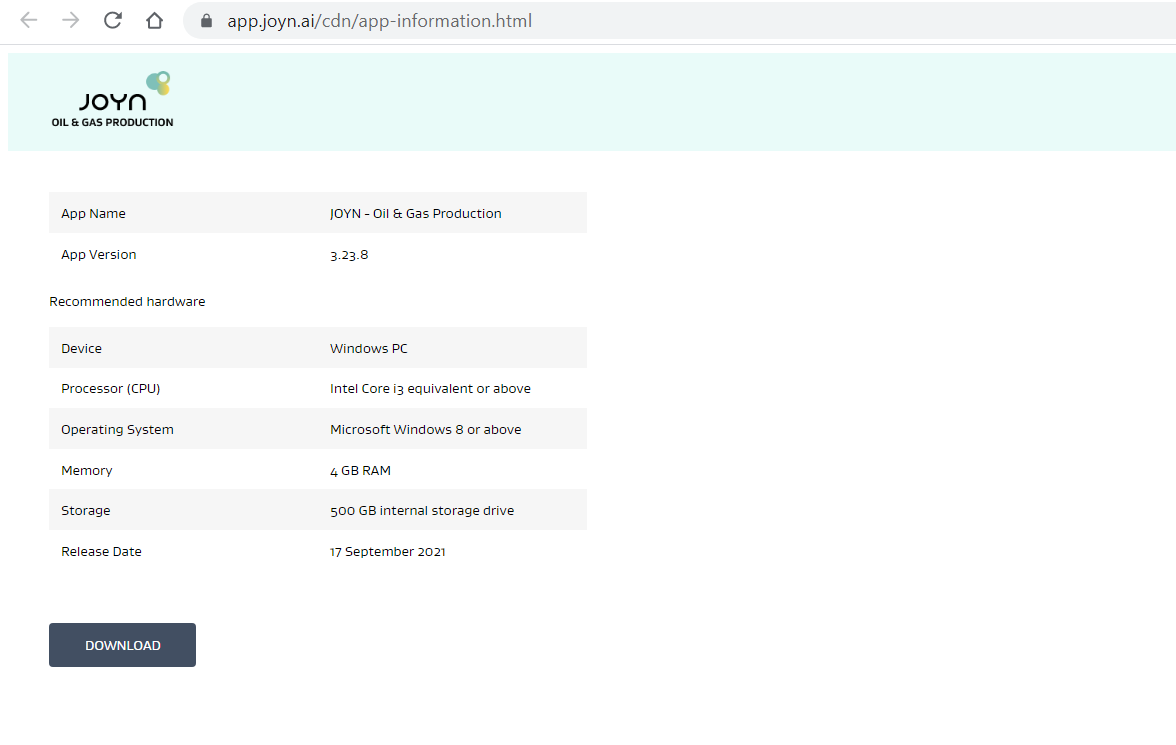
Click Download to download the Windows app installer.
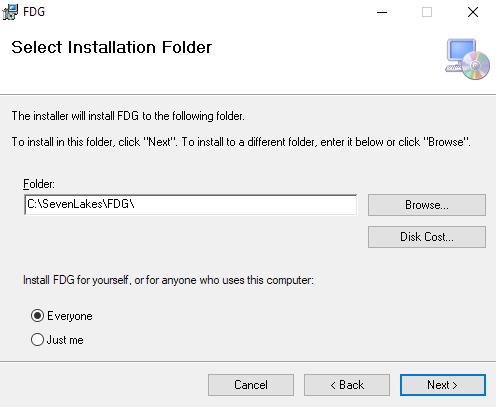
Install the Windows app using the downloaded installer.
Log into the Windows app with the email/password of your login.
Currently there are not G-Oauth login capabilities for the Windows app, but logins using username and password and Oauth O365 authentication are supported.
Related Articles