
How do I reset my password from the JOYN Oil & Gas Admin screen?
Go to https://app.joyn.ai/login.
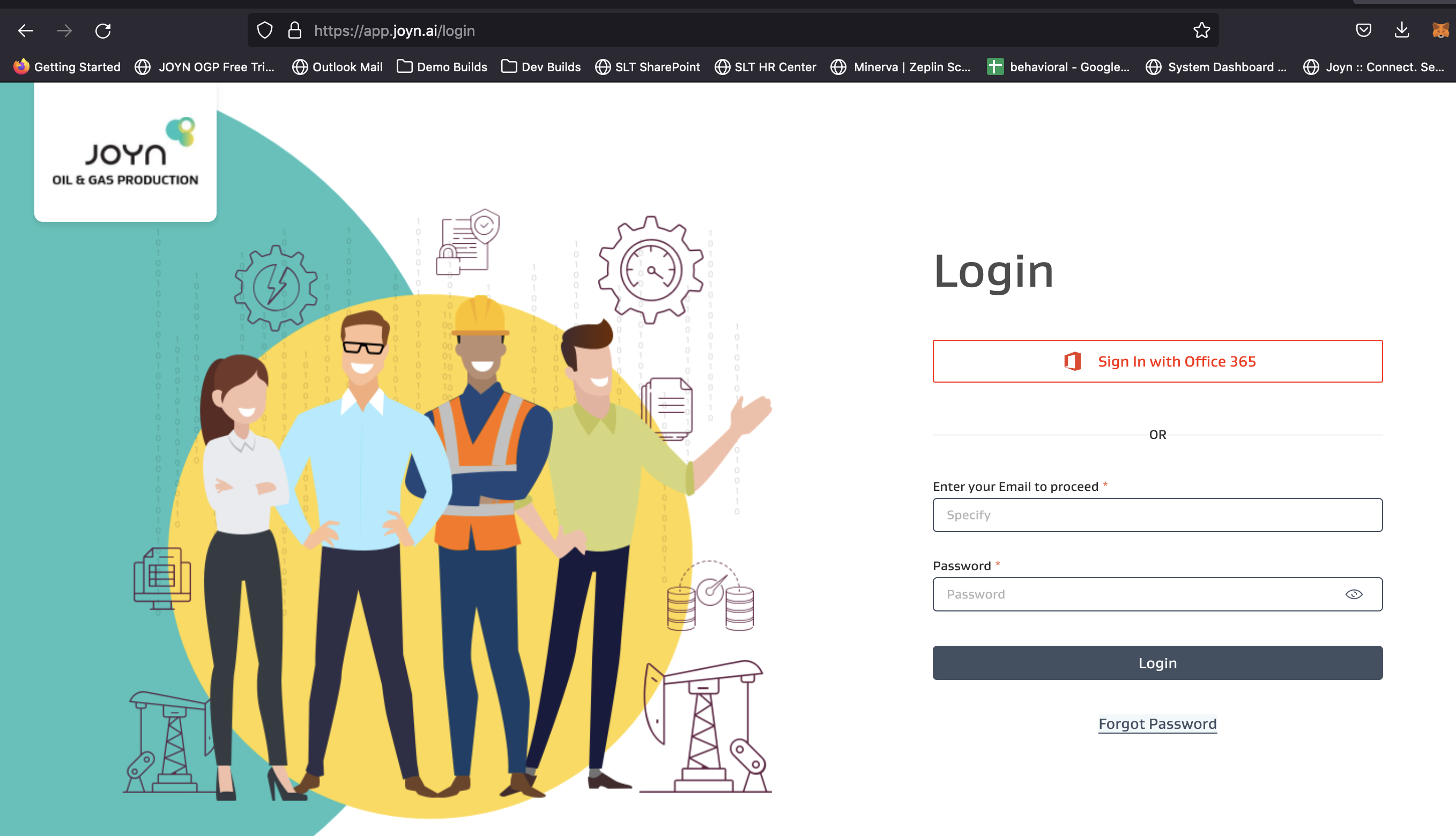
Click Forgot Password.
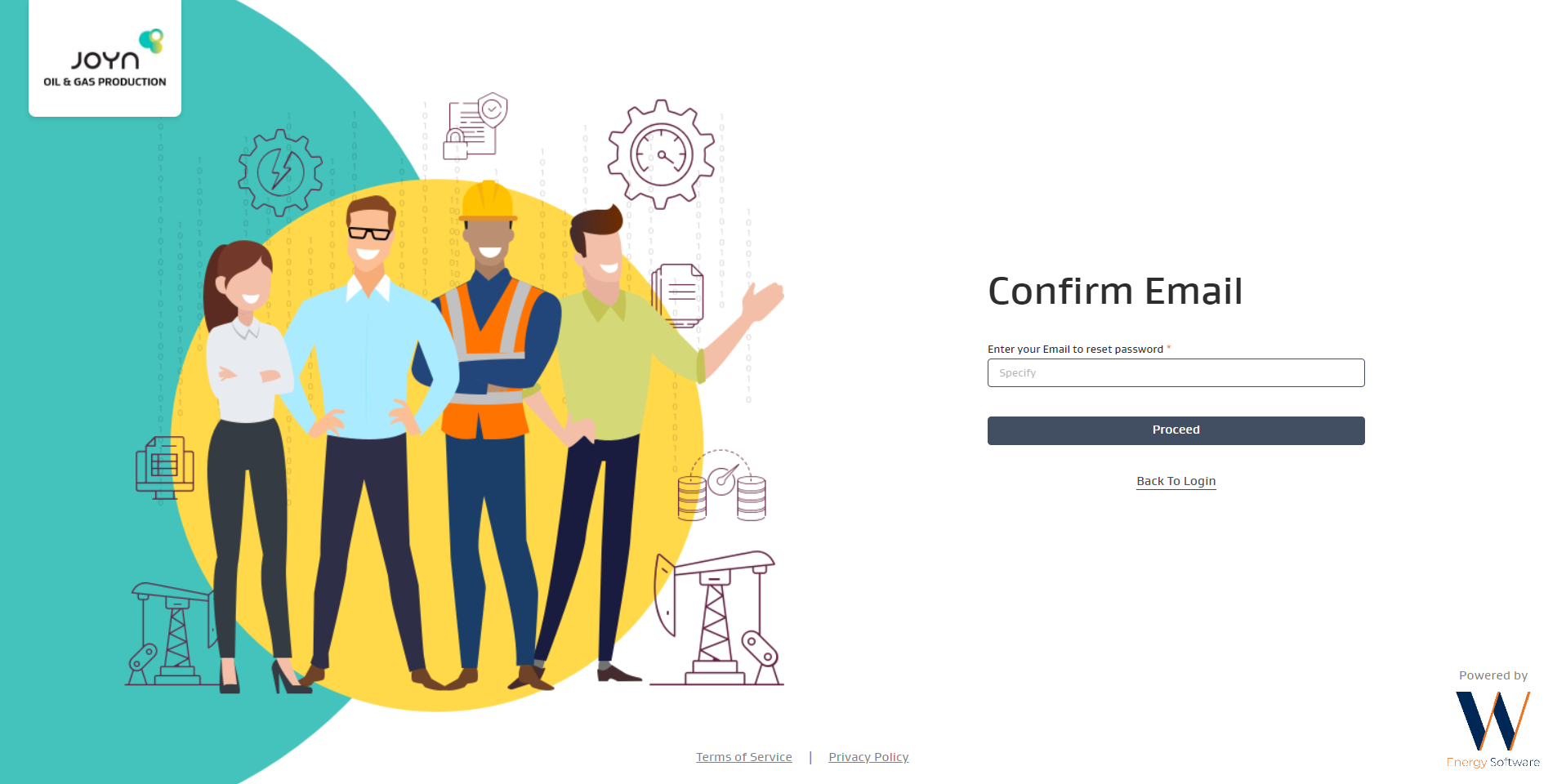
Enter your email in the Confirm Email screen and click Proceed.
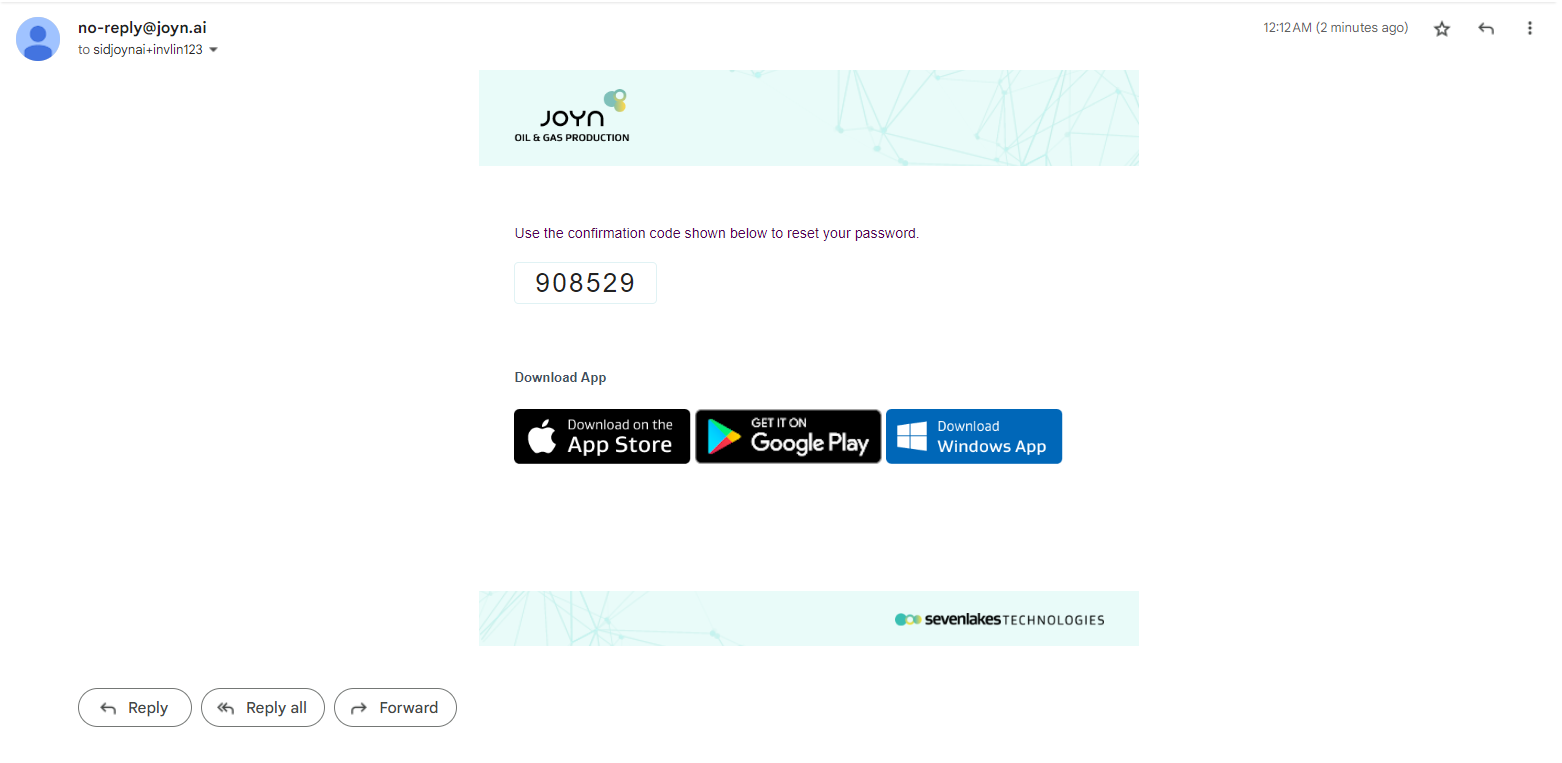
You will receive en email on the entered email ID with the reset code
Use the code received, enter your new password and click Reset Password.
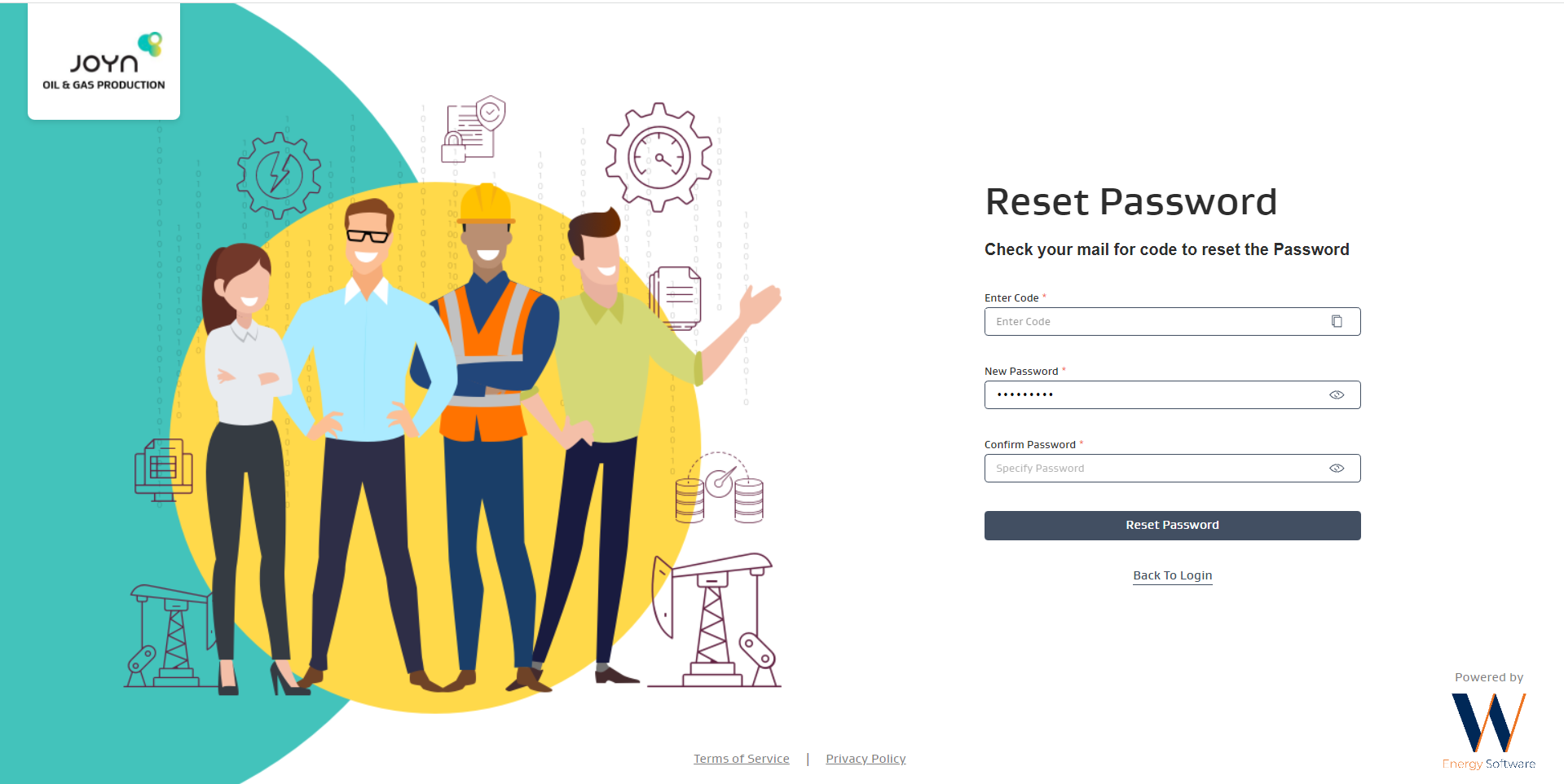
Click Reset Password to change your password.
Related Articles