
What is the difference between a task type attribute, a global attribute and a form attribute?
These attributes must stay in their respective sections and cannot be moved to other sections.
Task Type Attribute
Custom attributes that are specific to a task type.
Example 1: A picklist attribute where the value determines whether or not a follow up action needs to occur/be triggered. For a specific task type that may require data to be up
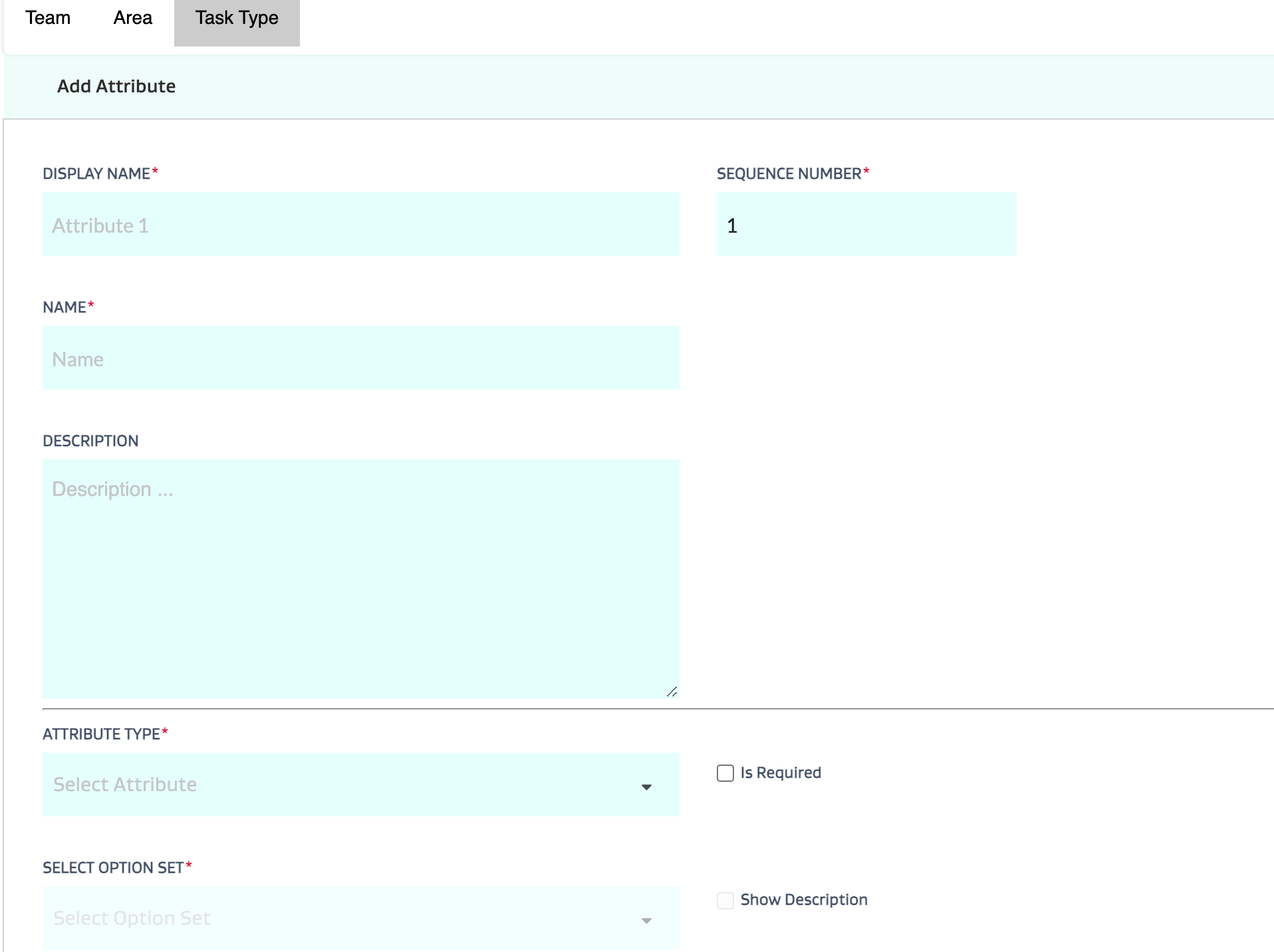
dated in an EHS system, an attribute could be added called “Update status in EHS system?” If yes, then an integration process is kicked off to update the status.
Example 2: An attribute or attributes that are specific to a task type but may not need to be grouped together as part of a collective form; like the “Update status in EHS system?” integration flag in Example 1 along with a simple yes/no answer as to whether the LO/TO was completed.
Validation options:
Validate during task resolve
Cannot validate during task creation since the information
These only work at a task type level.
Global Attribute
Custom attributes that you can make available globally across all task types.
Example 1: Each and every task should have a cost center attribute available.
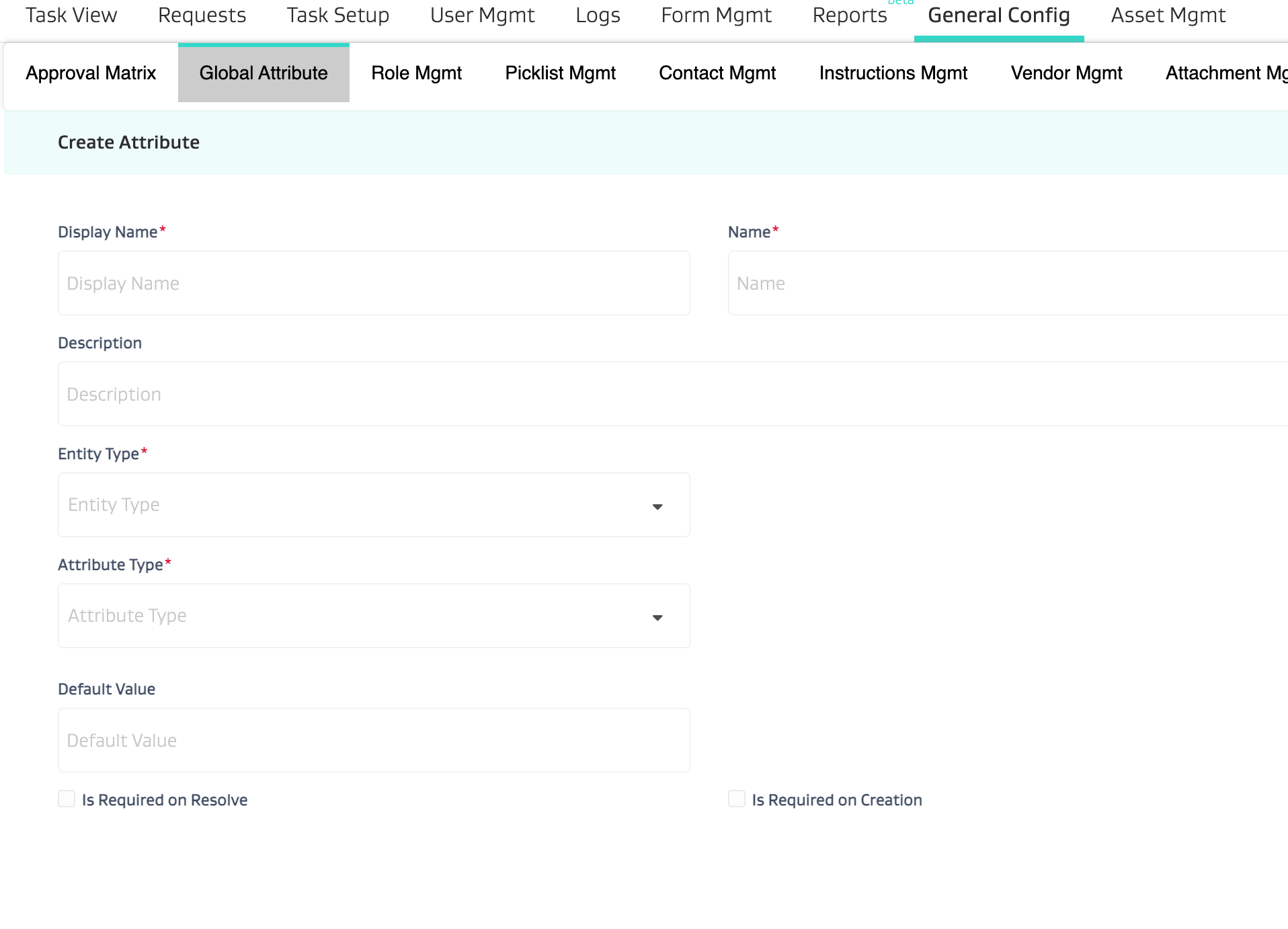
Example 2: A large group of tasks within the Drilling and Completion area need an AFE attribute. Rather than create a task type attribute for each named “AFE”, it's easier to create a single global attribute and assign it to these tasks.
Validation options:
Validate during task resolve
Validation during task creation
Need to configure this in Global attribute setup
These work at both child and parent. If setup for a parent task, they take precedence over the children and copy paste their values onto the children. NOTE: This works in the opposite direction for Roll up Global Attributes. To learn more about roll up global attributes - check out the video below:
Form Attribute
Custom attributes that need to be collected as part of a form and are related to each other. They may also have corresponding logic such as if attribute 1 has a certain answer, then attribute 2 needs to only show certain options. These have more attribute types in addition to date/time, integer, decimal, picklist such as esignatures, header text and informational text.
Example 1: A LOTO form where the user needs to fill out whether all energy sources are locked/tagged out and has to provide a signature along with a statement acknowledging responsibility
Example 2: An AVO form where if the user responds “Flaring? = Yes”, then a field called “Please describe flaring event” displays.
Validation options:
If the form attribute is in the common area of the form outside of a workflow section, it will be validated upon task creation.
However, If the form attribute is in INSIDE a workflow section, it will ONLY BE VALIDATED upon task resolution.