
How do I configure a custom button and associate event readings to it?
Create an event based custom button on the mobile apps
Create Reading type/view for the readings needed for the button.
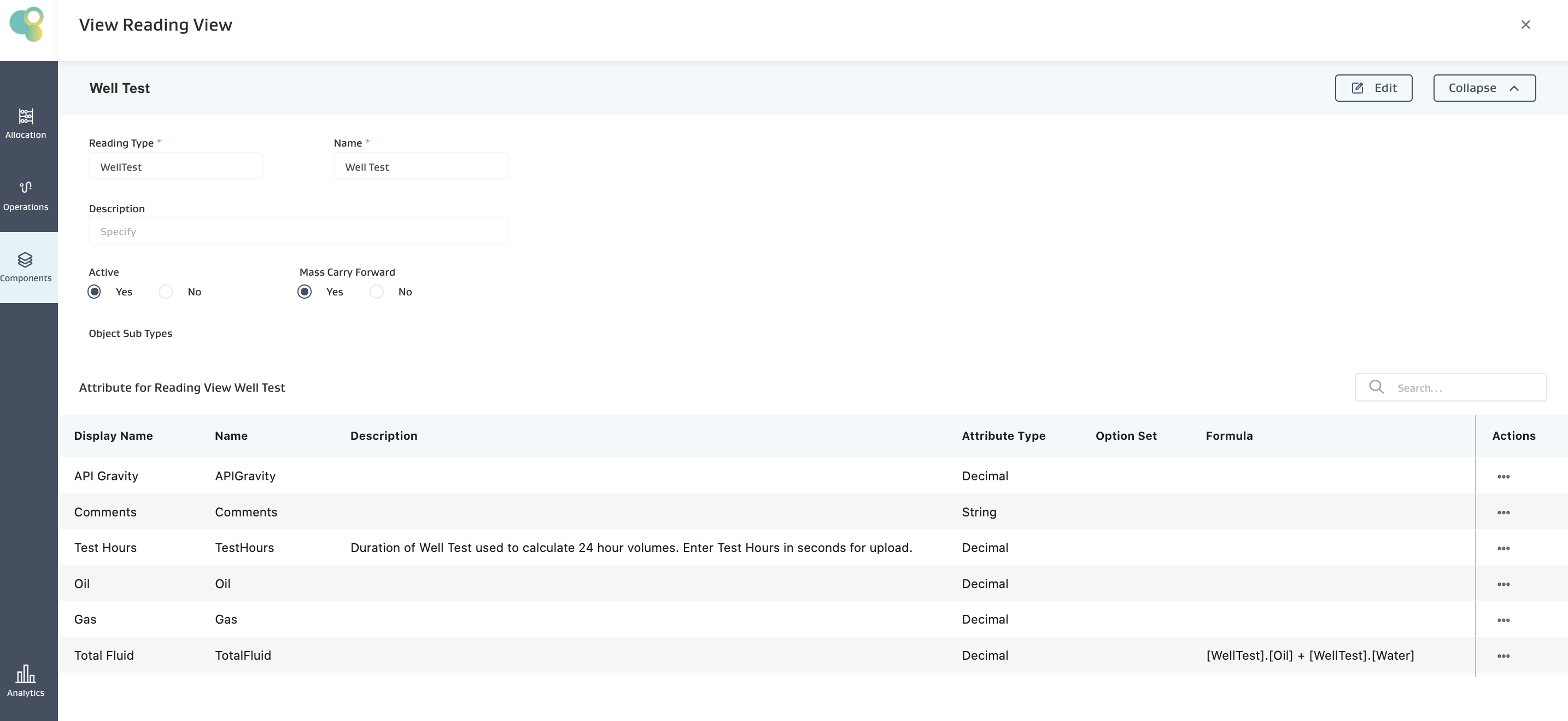
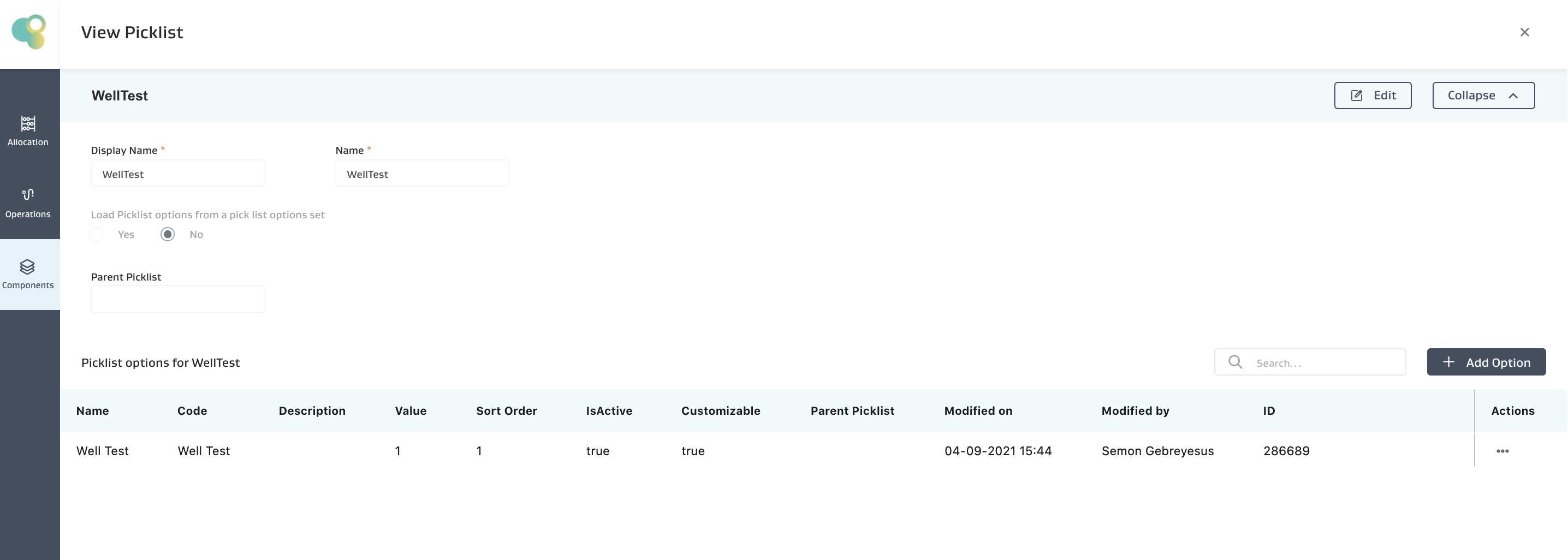
Configure the picklist with the reading names that will be part of the button. The Code column on the Picklist option has to be an EXACT match to Reading View Name.
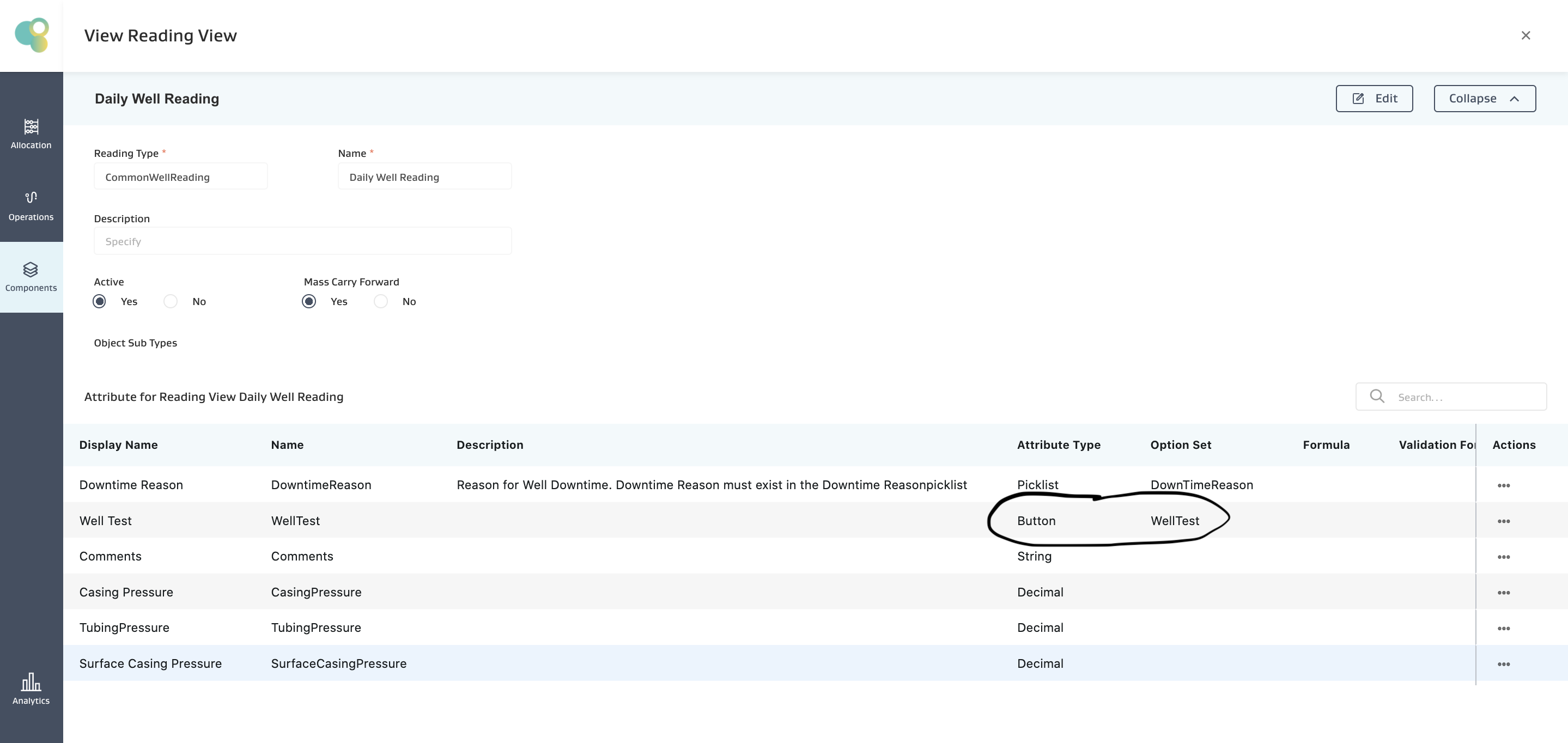
Configure Base Reading type with button based attribute, and associate the picklist created in step 2.
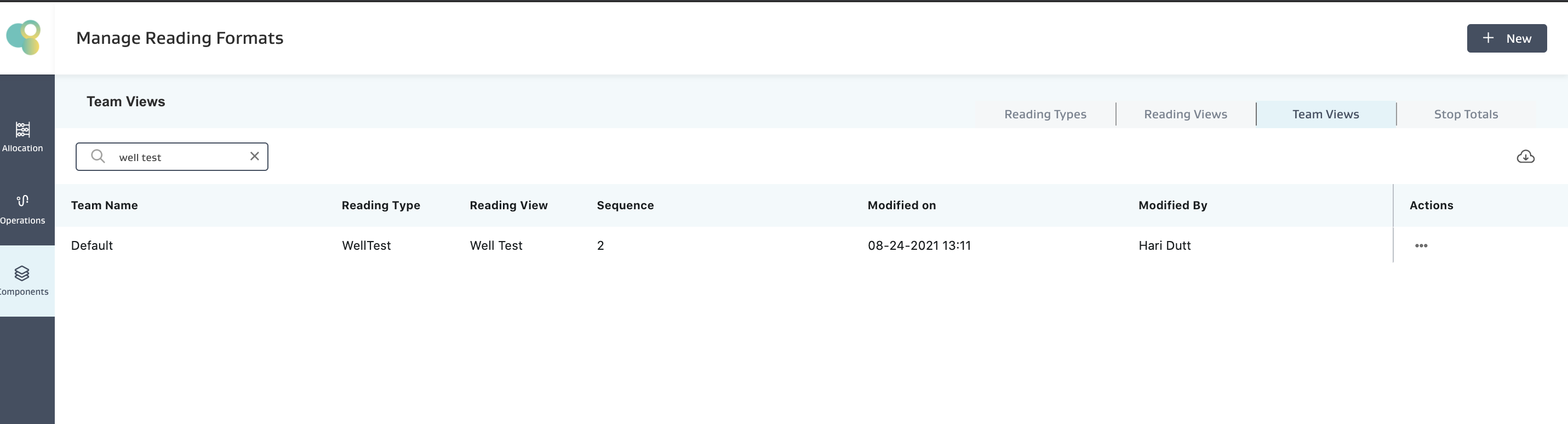
Assign both the base reading and button based readings to the appropriate team.
Restore data on the app. Make sure the button shows up on the app, and you are able to access and enter data and sync it back.
Only one reading view of a specific type can be associated with a team.
Related Articles
- Do calculated attributes calculate when I use bulk upload?
- Can you load sets of transactional files in multiple open tabs at the same time?
- How do trigger allocations work?
- Why is a reading not showing up in my app?
- Does re-running allocation create duplicates or over-write existing allocation results?
- How do I create a calculation for a reading attribute?
- How do I configure a custom button and associate event readings to it?
- What does the exception found in "Wells Beginning and Ending inventory Mismatch" indicate?
- How do you use the validation attribute in the allocation config and formula meters?