
How do I create a calculation for a reading attribute?
Formulae are supported at a reading view level only and need to be configured for each reading view differently.
Formulae will only work when the attribute has isCalculated = TRUE assigned.
Syntax
Function (arguments, value)
Picklist value calculation example
IF([CathodicProtection].[CPTTaskType]==22836,22943,If([CathodicProtection].[Potential],If([CathodicProtection].[PotentialmV] >=([CathodicProtection].[NativemV]-300),22942,22941),22943))
The picklist value calculation formula above can also be written as:
IF([CPTTaskType]==22836,22943,If([Potential],If([PotentialmV] >=([NativemV]-300),22942,22941),22943))
Operators
A<operator>B
Operators include +, -, *, /
When a calculation is fully in the [Reading view] attributes, then the qualifier is not needed.
You might see the reading type qualified, but that is typically when the type ahead to type out the formula issued.
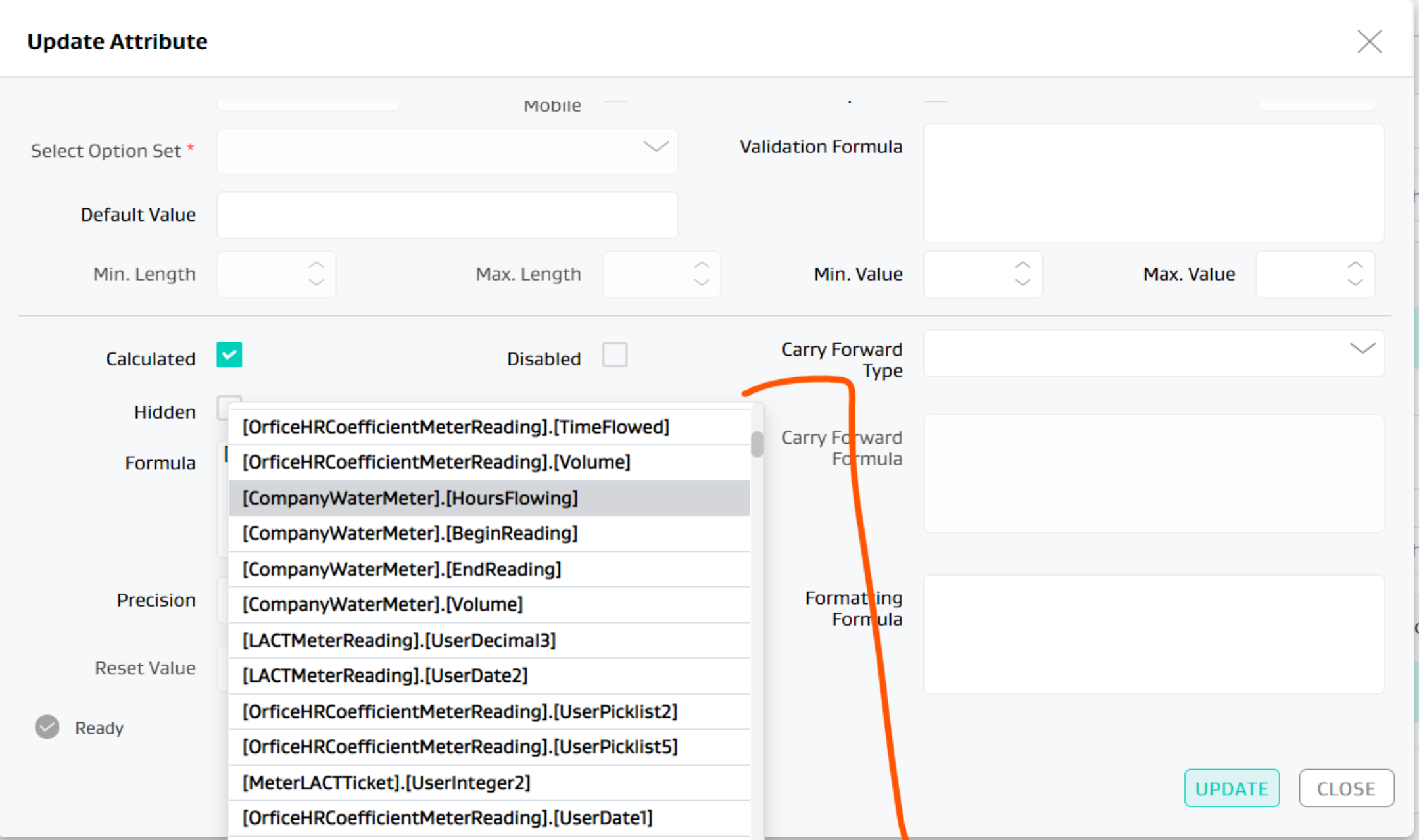
Refer to How do I set up formulas using the iPhone Formula Engine? to review additional functions that you can use and associated constraints.
Cross reading calculations
Cross reading calculations are also available.
Calculations only work on reading views assigned to the same Asset.
For cross reading calculations, you have to use the [Readingtype].[attribute]
Calculations only from from Events to Workspace readings and not vice versa.
Cross reading calculation example
For an attribute [RunTickets] within reading view [Dual Phase Oil Water Tank CAN View]
Create custom Run Tickets and add a formula to move the sum of the tickets for a day from the event to the workspace
[TankRunTicketCANOil].[GrossVolume]
Related Articles
- What functions are supported in calculated measures?
- How do I update my Analytics report subscriptions
- Do calculated attributes calculate when I use bulk upload?
- Can you load sets of transactional files in multiple open tabs at the same time?
- How do trigger allocations work?
- Why is a reading not showing up in my app?
- Does re-running allocation create duplicates or over-write existing allocation results?
- How do I set up formulas using the iPhone Formula Engine?
- How do I create a calculation for a reading attribute?
- Can I use Asset level attributes in formulae for reading level attributes?
- Do formatting formulae work on readings management from the Admin?
- How do I configure a custom button and associate event readings to it?
- What does the exception found in "Wells Beginning and Ending inventory Mismatch" indicate?
- How do I configure formatting formula to work on the mobile app?
- How do you use the validation attribute in the allocation config and formula meters?