How does the stop and asset search work?
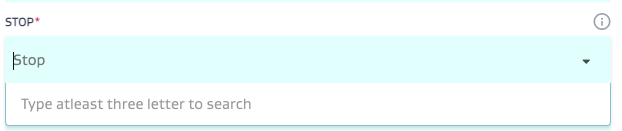
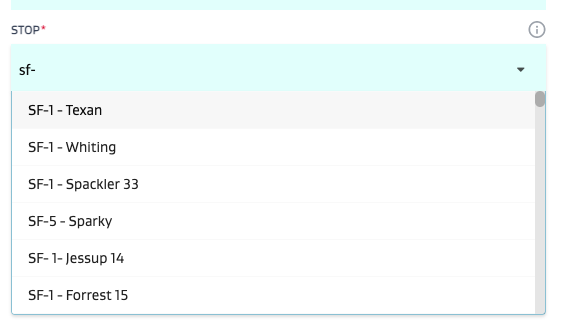
To search for a stop while creating a task - type atleast 3 letters in the Stop dropdown and the dropdown will provide a narrowed down search result.
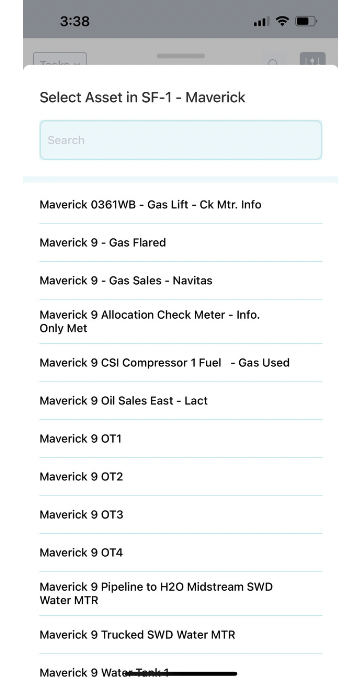
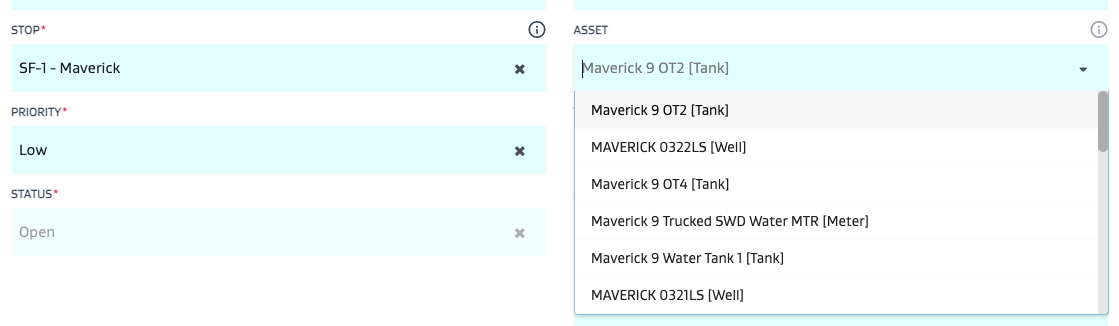
Once the stop is selected, the asset dropdown will automatically filter to all the assets within the stop.
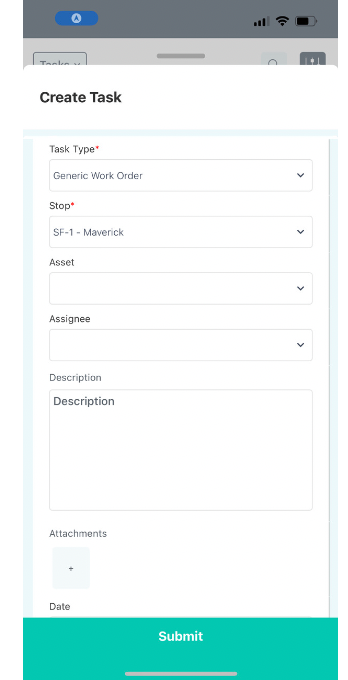
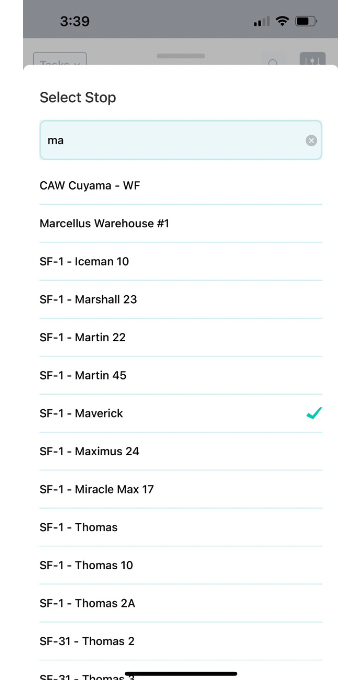
On the mobile app, the search works as follows:
Note: There are no minimum letters to search stops on the mobile app. The dropdown starts to search as soon as you type in a single letter.