How do I attach a stop to an area?
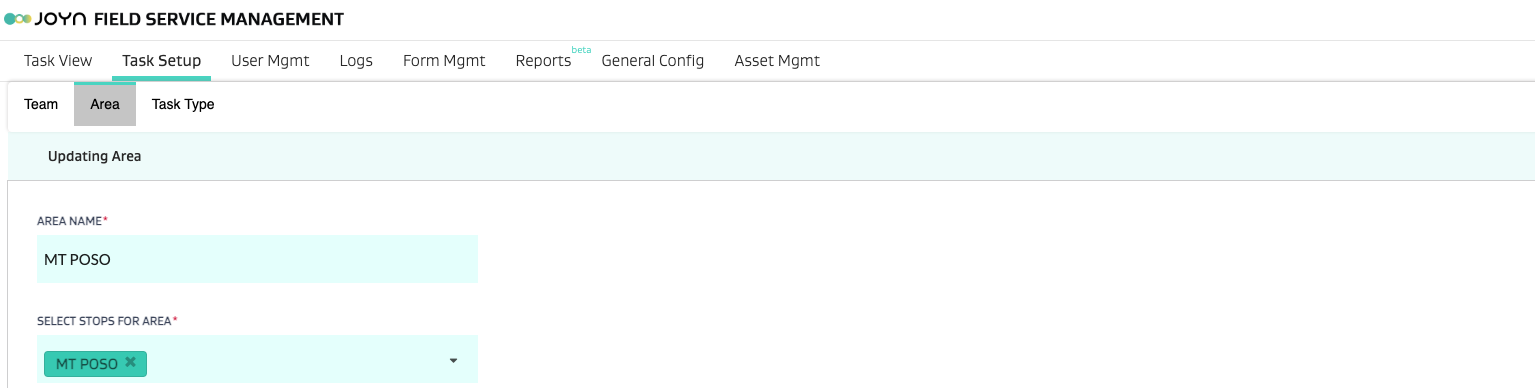
Go to Task Setup > Area and select the area. In the Select stops for area drop-down list, add the required stops you want to attach to the area.
You can also create dynamic areas based on predefined metadata. For example, if a set of stops all have a metadata attribute of Foreman = “J. Doe” - you can then create a J. Doe Foreman area by using the dynamic area creation feature.
You can also mix up dynamic and static areas by first creating a dynamic area via metadata logic and then adding individual stops to such an area.
LIMITATION: You cannot add more than 30 static stops to a mixed dynamic+static area.