
How do I move stops in and out of dynamic areas which are setup based on routes in FDG?
This page tells you how to move stops in and out of dynamic areas which are setup based on routes in FDG.
Go to Operations>Operations Network
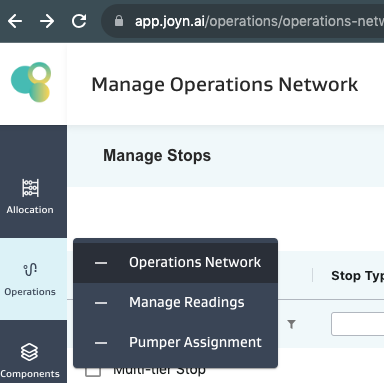
Go to the stops tab

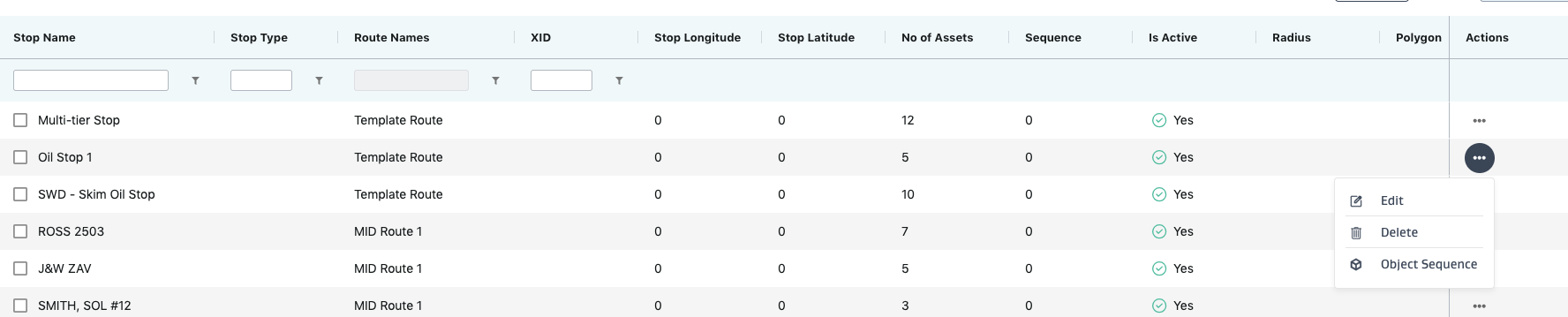
Edit the stop you need to move in/out of a route
In the Routes dropdown, select/unselect the routes you want the stop to be in or out of
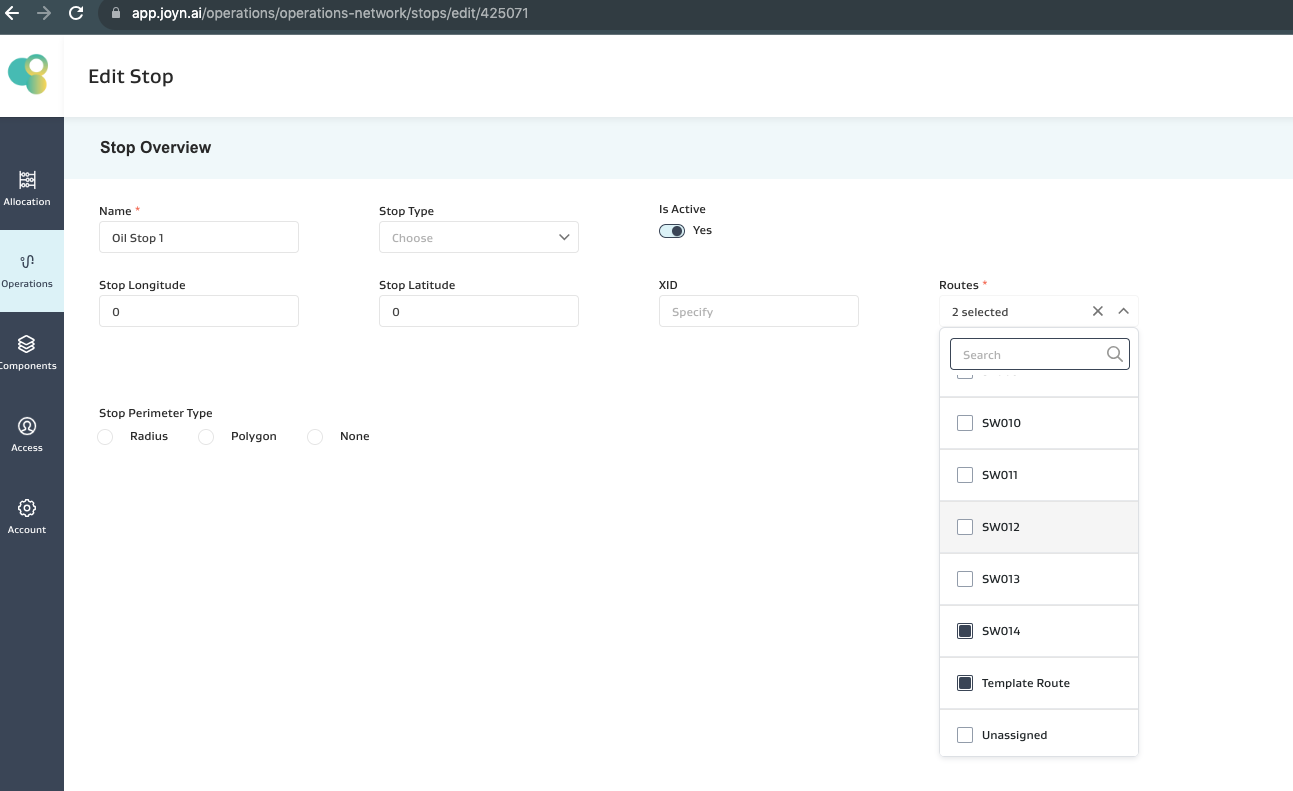
Dynamically setup areas based on routes in FSM will automatically update per the above changes.