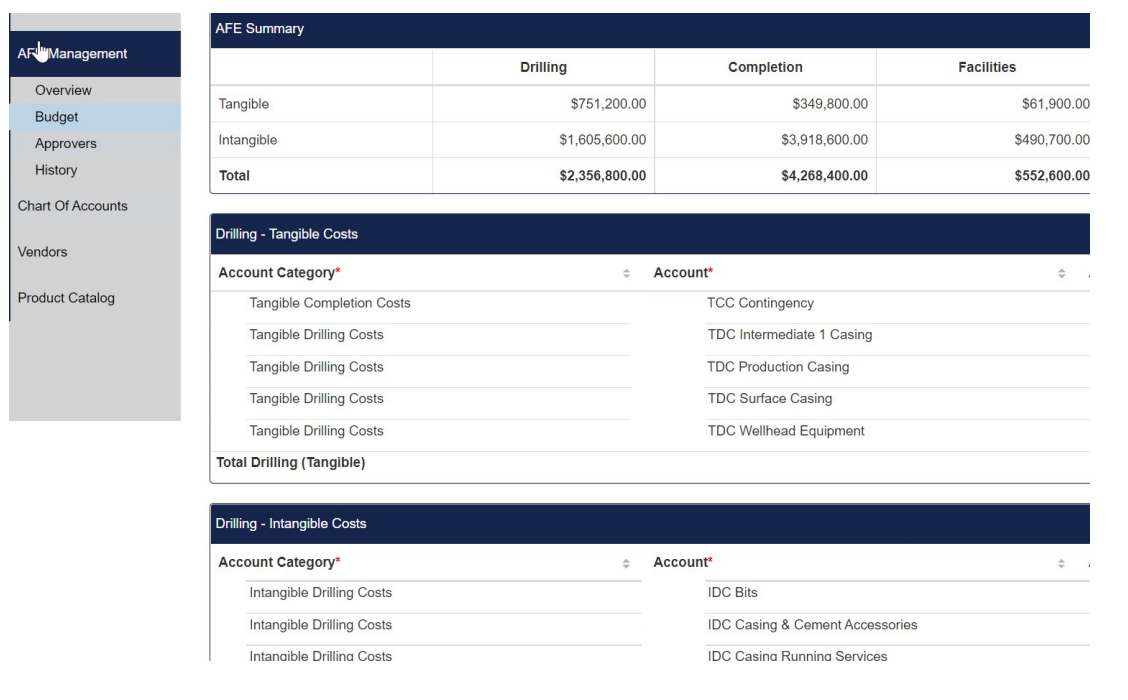
FDC - Copying an AFE
This article will detail the correct way to copy an AFE and which fields will and will not carry over in the ‘copy’ process
📘 Instructions
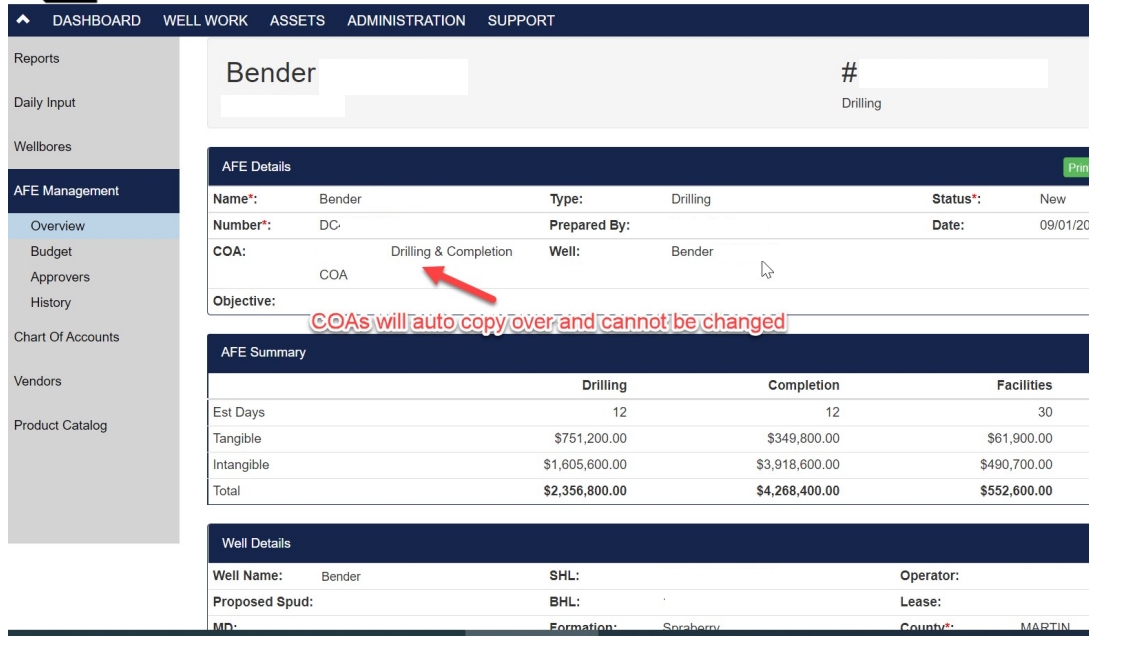
You can make a copy of an existing AFE, but there are certain fields that will copy over automatically from the existing AFE that cannot be edited. The COAs is one of these fields that cannot be changed on the new copy so be sure you are copying an existing AFE with the correct COA you want copied over
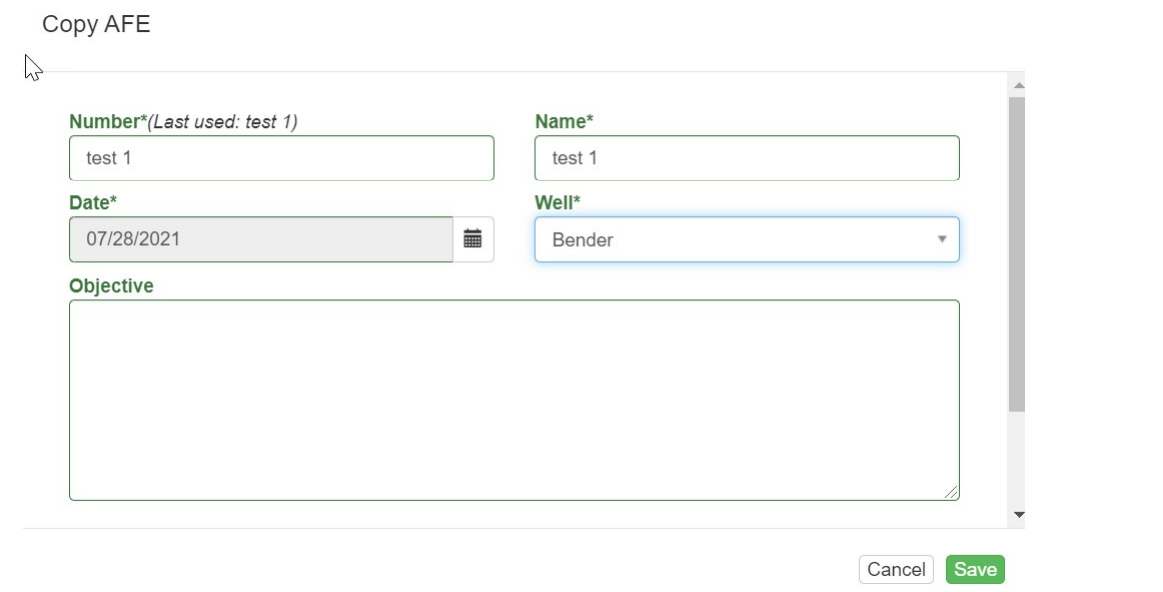
When you press ‘Copy AFE’, you’ll be able to select which well you want to use for the new AFE. Once you select the new one, all of the remaining details from the existing AFE will be copied over. You can see screenshots below of my example.
Copy an existing AFE:
Select the Well to utilize:
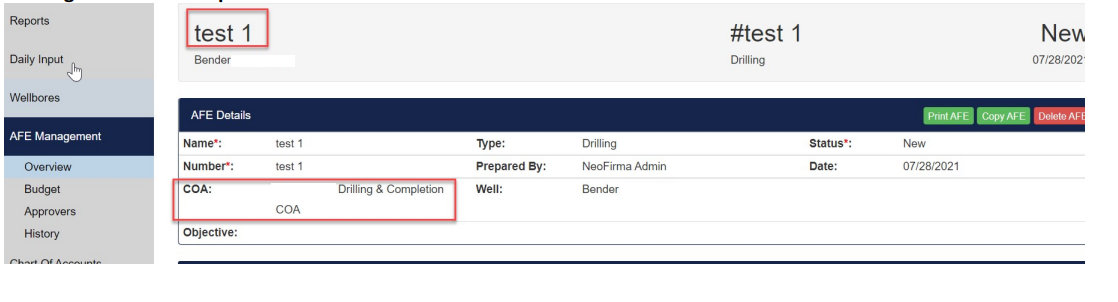
New AFE with details copied over. Please note that the COAs cannot be updated on the new AFE. It auto pulls in the existing COAs from the previous AFE
All costs are copied over: