How do I create and manage roles?
Rolls are created and managed in General Config > Role Mgmt.

Basic recommended roles
Superadmin: Create/update/delete access to everything.
Dept Admin: Create/update/delete access to only the required screens and required field/areas.
Daily Business User: Create/Update/Delete Access only for transactional tasks to required field/areas.
Vendor: Create/Update access only for transactional tasks to required field/areas.
Role management
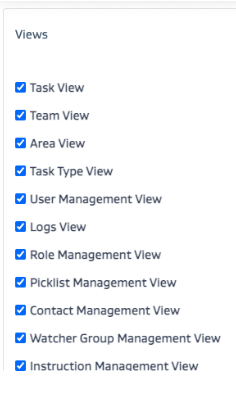
Views: Choose the Views to make available to the role.
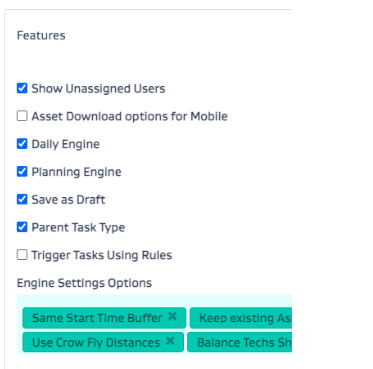
Features: Choose the Features to make available for the role.
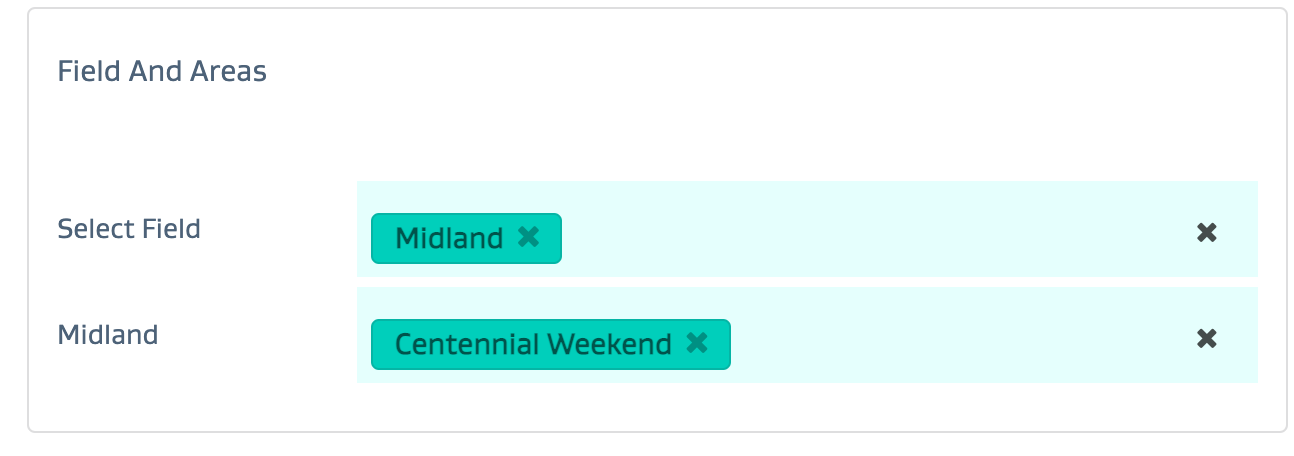
Field/Area: Choose the Field/Area access for the role.
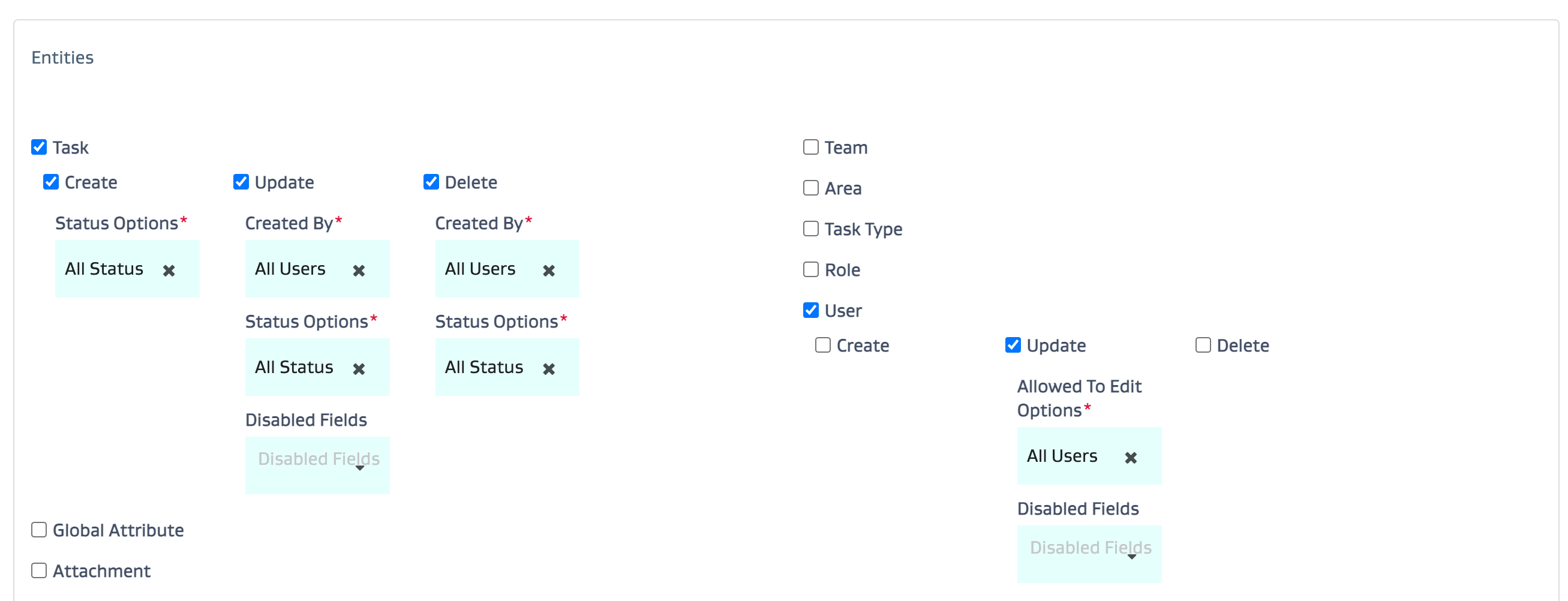
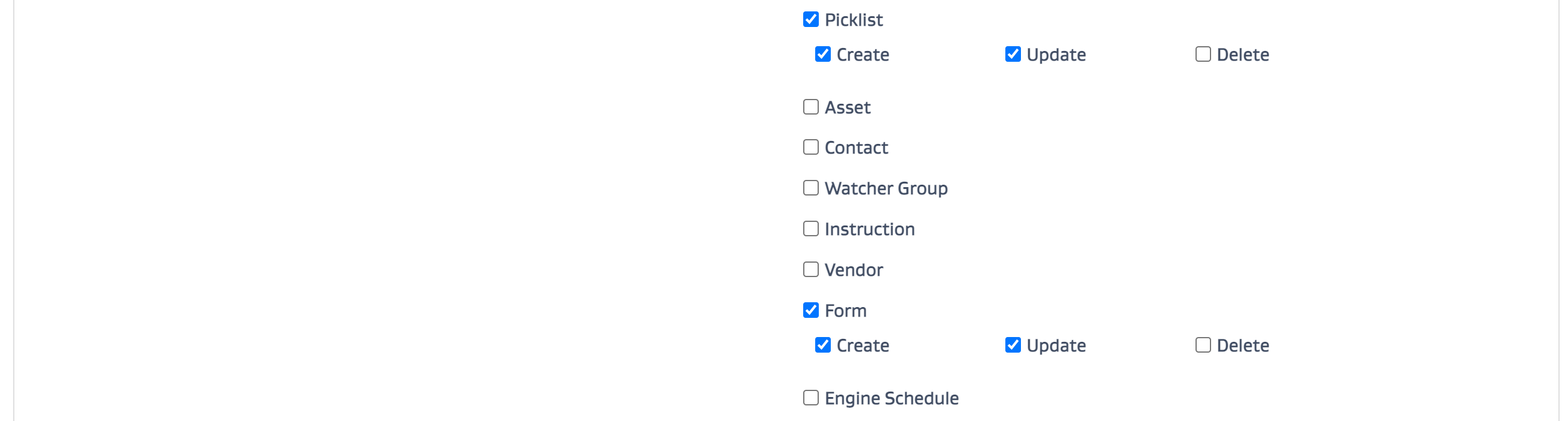
CrUD access: Set up the CrUD access by entity type for the role.
Views: This is where you can select which screens from the application you want the role to have basic read access to.
Features: This is where you select the features and the engine settings the role has access to.
Note that the role would have to have access to the screen to access the relevant features or the engine settings.
Field and Areas: This is where you can select the field and the areas the role would have access to.
Entities: This is where you select the entity and the relevant CrUD operations for each entity.
Note that the role would have to have access to the screen to access the relevant entities.